 kage
kage
resurf.so
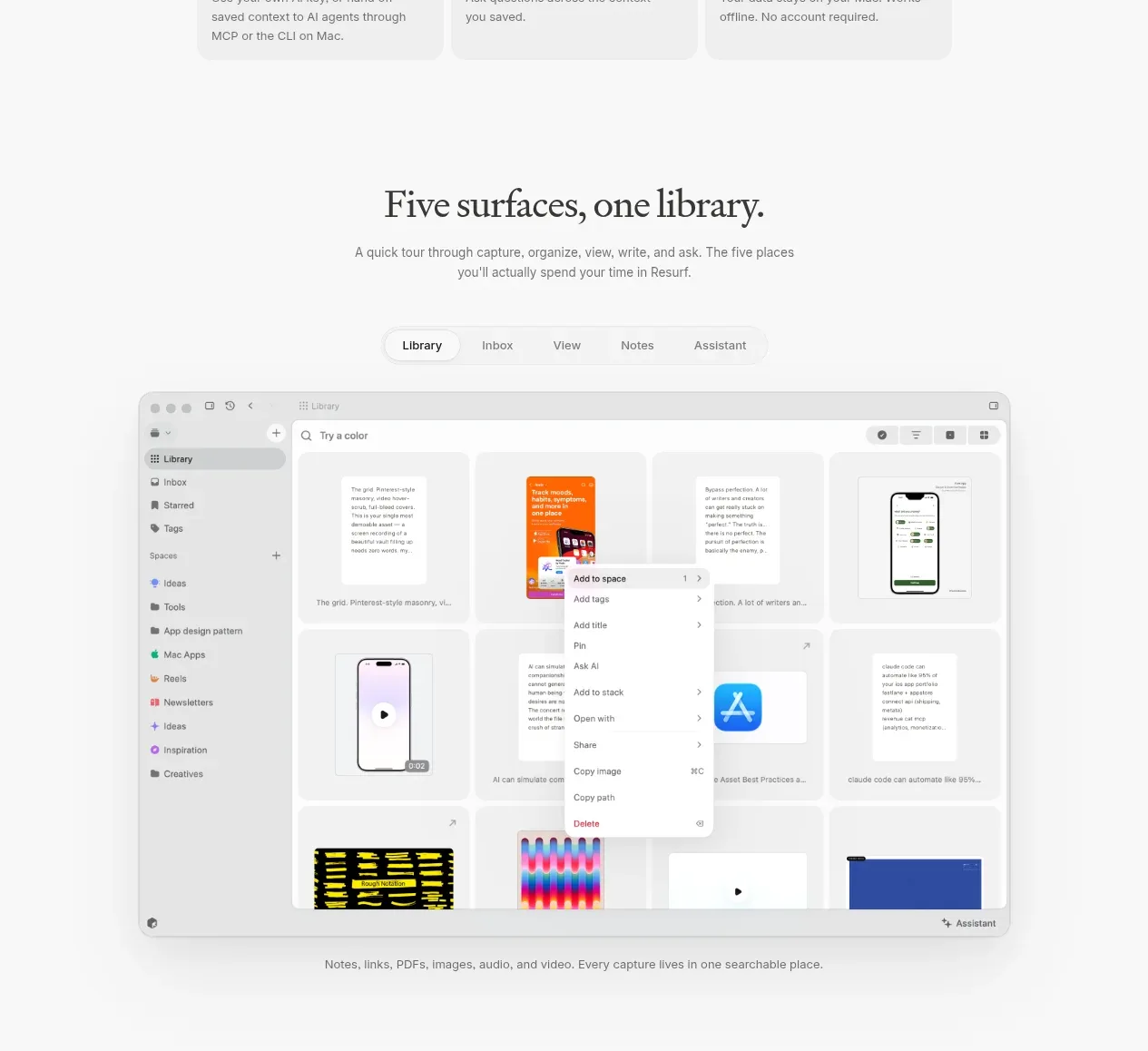
Design analysis
A section heading introduces a tabbed product tour, with compact tabs above a large interface image and a one-line caption explaining the surface.
Prompt preview
## Reference images

Study these alongside the description below: hierarchy, rhythm, spacing, colour. Build for the product you are asked about, using this design language.

- Component: https://kage-design-assets.t3.tigrisfiles.io/components/resurf/ff64fde5-ed9d-4c90-b5a1-3641329afaa7-1789365707-3.webp
- Full page it was cut from: https://kage-design-assets.t3.tigrisfiles.io/screenshots/resurf/ff64fde5-ed9d-4c90-b5a1-3641329afaa7-1789365667481-full.webp
- Component on Kage: https://kage.design/component/resurf-tabs

## Before you start
Ask what parts of the user's product need a guided walkthrough and which surface should be the default. Apply these interaction and layout rules to that product.

Build a product-tour section with a centered editorial heading, a short explanatory paragraph, and a compact pill-style tab control beneath it. Tabs should represent distinct product surfaces or workflows, with one clearly active using a white fill, subtle shadow, and darker text while inactive tabs remain muted. Below the tabs, show one large rounded interface preview inside a restrained max-width container and a concise caption underneath. Use a warm off-white background, black-brown heading text (`#242424`), muted gray body text (`#7a7a7a`), pill background `#f1f1f1`, active tab `#ffffff`, and image frame border `#e6e6e6`. Use 12–14px tab text, 16–24px gaps, 12px pills, 18–24px preview radius, and 80–112px vertical section padding. Add keyboard focus states, animated crossfade or short slide transitions between panels, and keep the selected tab accessible on mobile with horizontal scrolling if necessary.

### Never
- Never use logos, product names, copy, illustrations, or imagery from the reference.
- Never make tabs decorative; each tab must change meaningful content.
- Never show an illegible interface preview or rely on hover alone.
More components
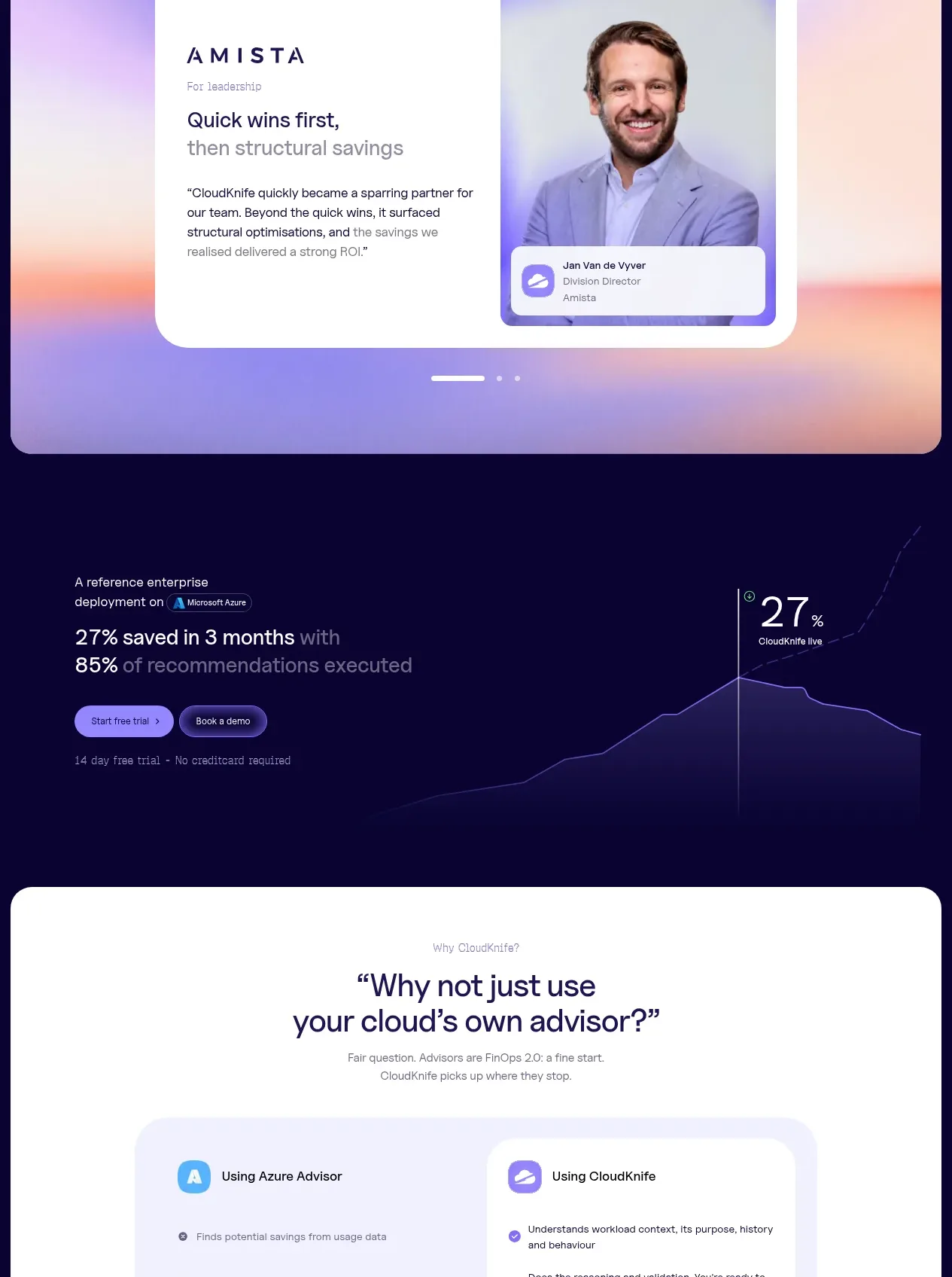
 Solution category tabs
CloudKnife · Tabs & steps
Solution category tabs
CloudKnife · Tabs & steps

 Directory filters and sorting
The Brains · Tabs & steps
Directory filters and sorting
The Brains · Tabs & steps

 Enterprise use cases
bestproxy.com · Tabs & steps
Enterprise use cases
bestproxy.com · Tabs & steps
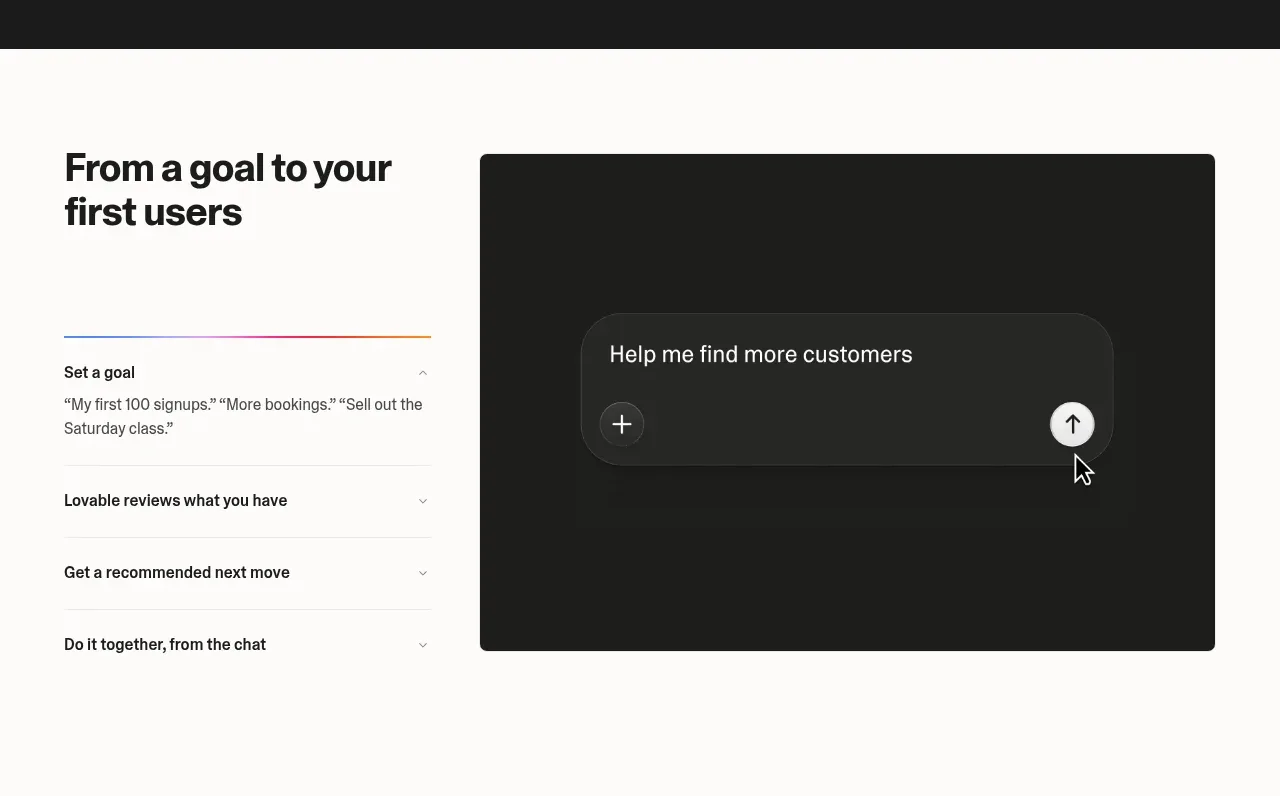
 Goal-to-first-users assistant
Lovable Growth Tools · Tabs & steps
Goal-to-first-users assistant
Lovable Growth Tools · Tabs & steps
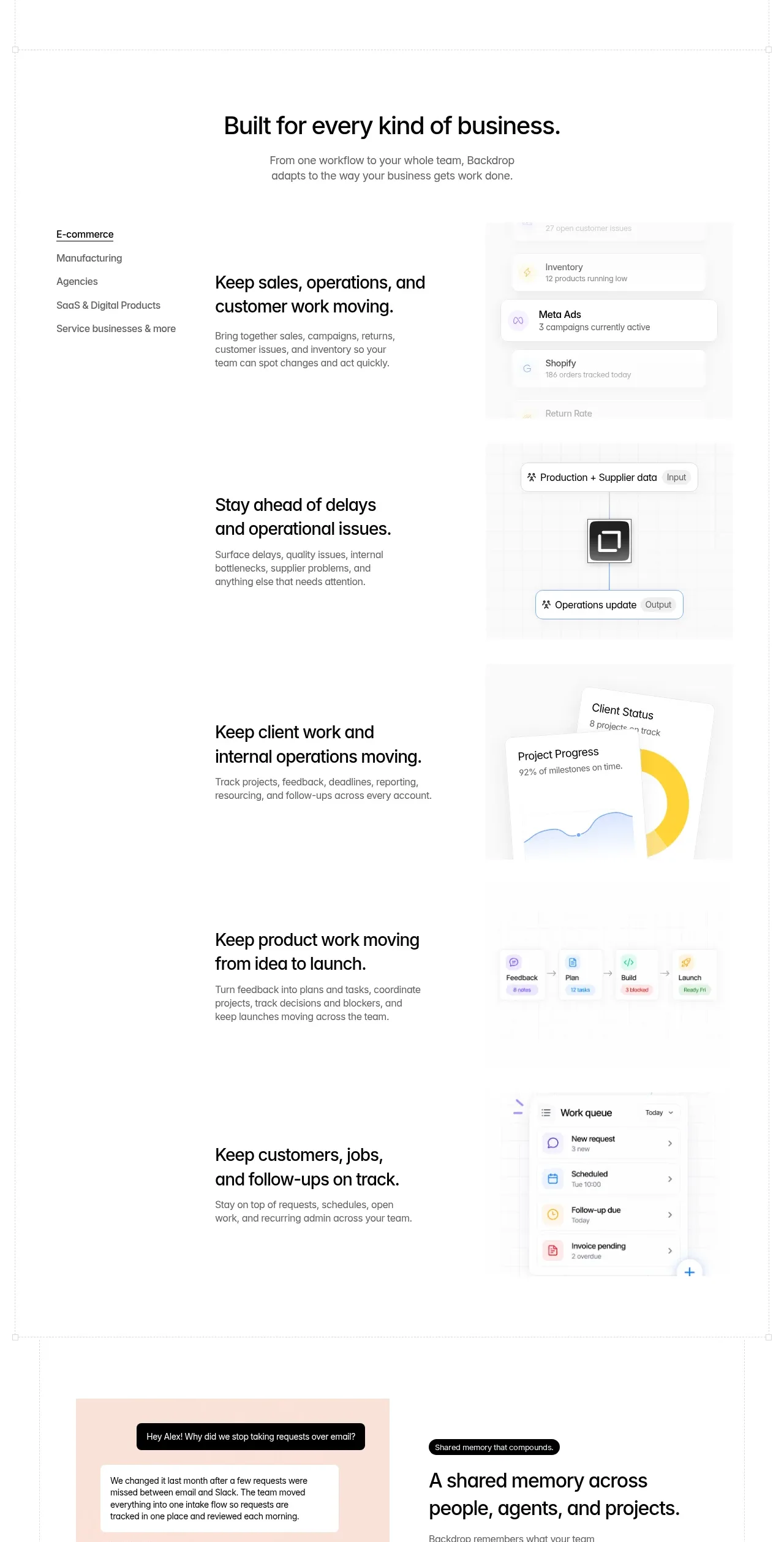
 Business use cases tabs
Backdrop · Tabs & steps
Business use cases tabs
Backdrop · Tabs & steps
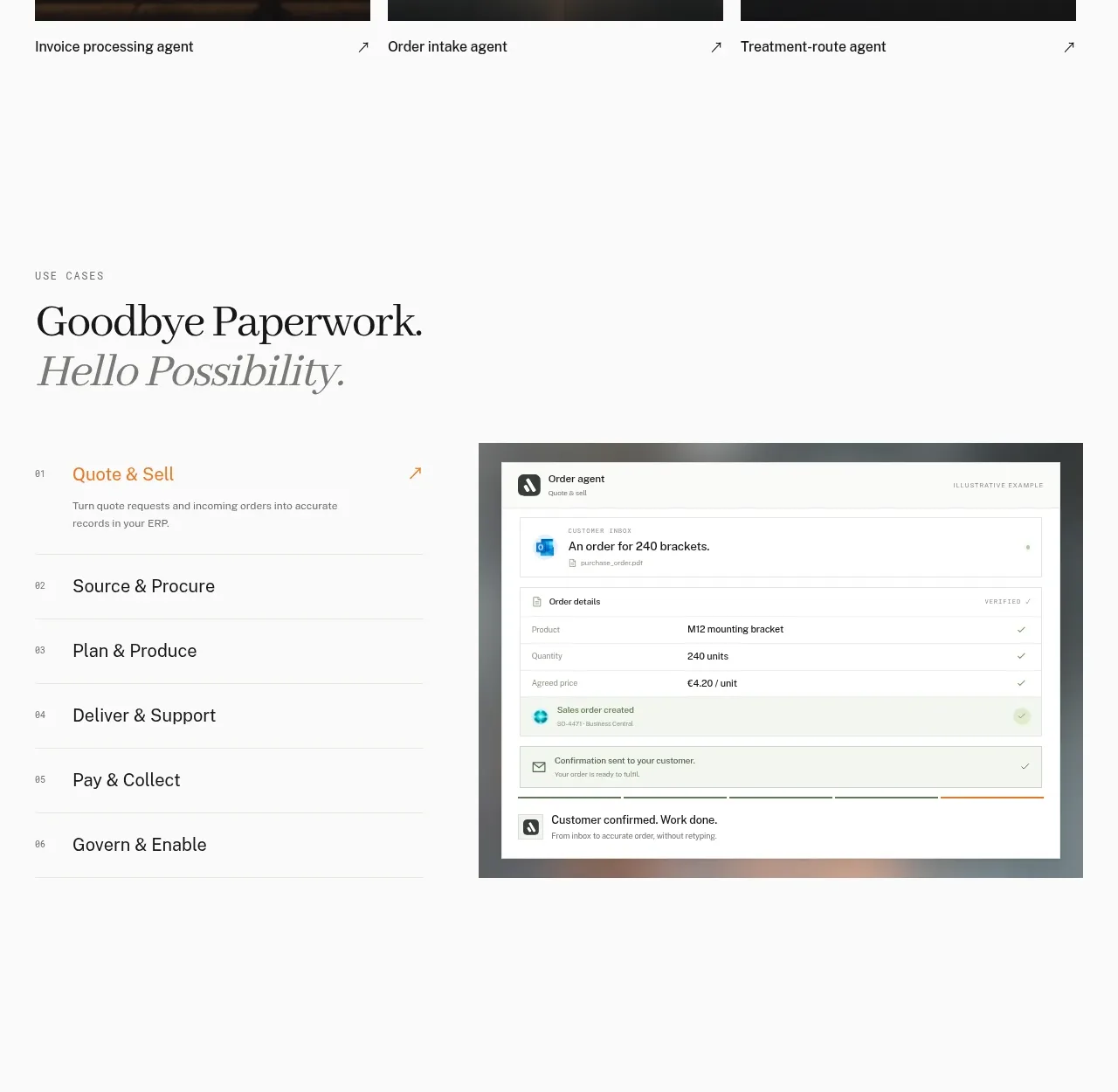
 Workflow stages with product preview
Lleverage · Tabs & steps
Workflow stages with product preview
Lleverage · Tabs & steps