 kage
kage
saliency.dev

Design analysis
A compact segmented control previews the four product capabilities and provides a visual pause between the hero and feature stories.
Prompt preview
## Reference images

Study these alongside the description below: hierarchy, rhythm, spacing, colour. Build for the product you are asked about, using this design language.

- Component: https://kage-design-assets.t3.tigrisfiles.io/components/s-roll/31ce67c8-e756-4d99-81ee-7a5fcf910ca7-1789711386-2.webp
- Full page it was cut from: https://kage-design-assets.t3.tigrisfiles.io/screenshots/s-roll/31ce67c8-e756-4d99-81ee-7a5fcf910ca7-1789711333877-full.webp
- Component on Kage: https://kage.design/component/s-roll-tabs

## Before you start
Ask what the user's product features are and which feature sequence best supports its story. Apply the following interaction pattern to those features.

Build a centered horizontal feature tab bar on a black page. Place four or five short feature labels inside one low-contrast rounded container, separated by generous even spacing rather than heavy dividers. Use a #0c0c0e surface, #26262a border, 999px radius, warm-white active text, and dim gray inactive text. Include a subtle hover and active state; if the page is interactive, clicking a tab should scroll to or reveal the corresponding feature section. Keep the control narrow and visually secondary, with responsive wrapping or horizontal scrolling on mobile.

Never use logos, product names, copy, illustrations, or imagery from the reference.
More components
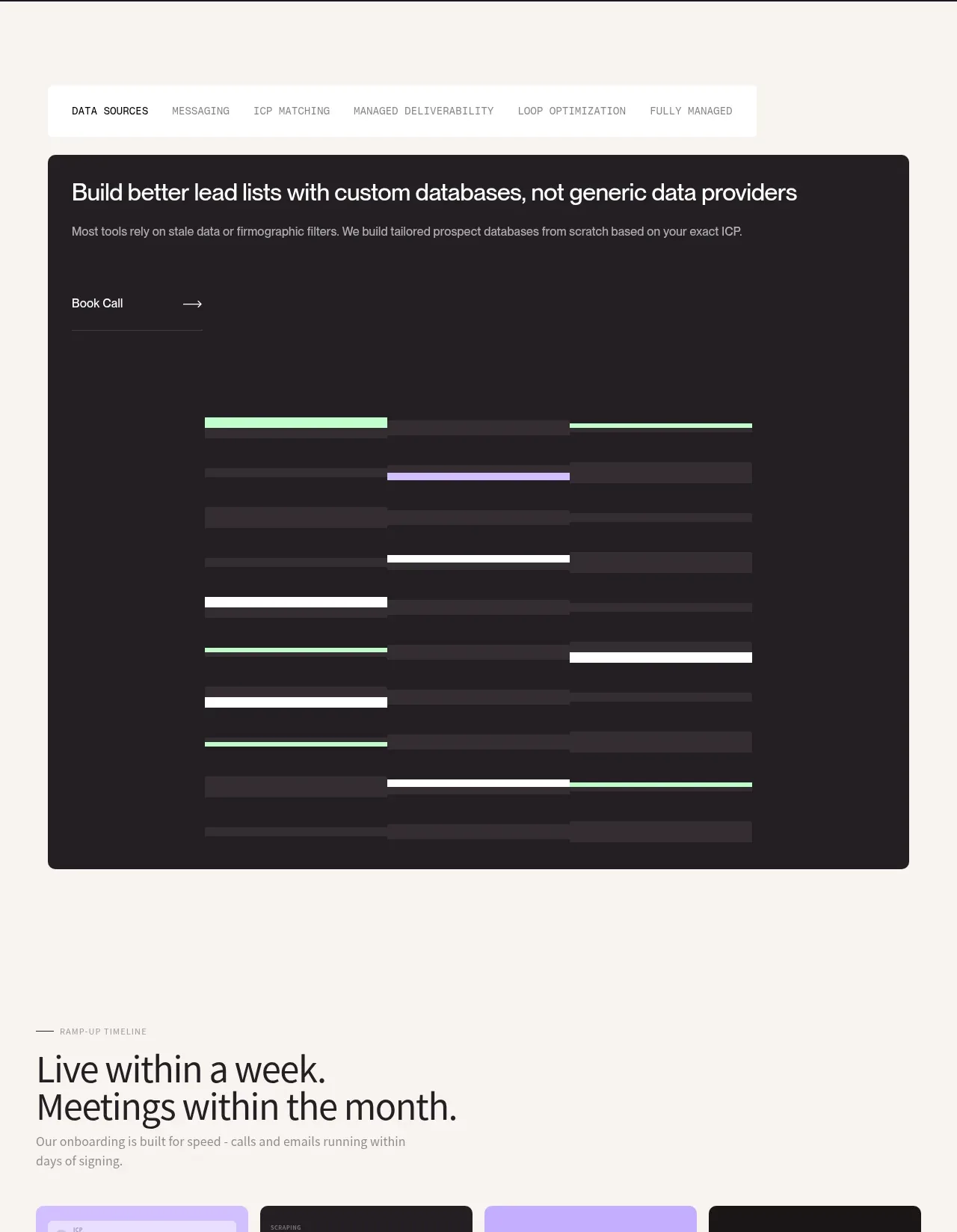
 Custom data sources workflow
throxy · Tabs & steps
Custom data sources workflow
throxy · Tabs & steps
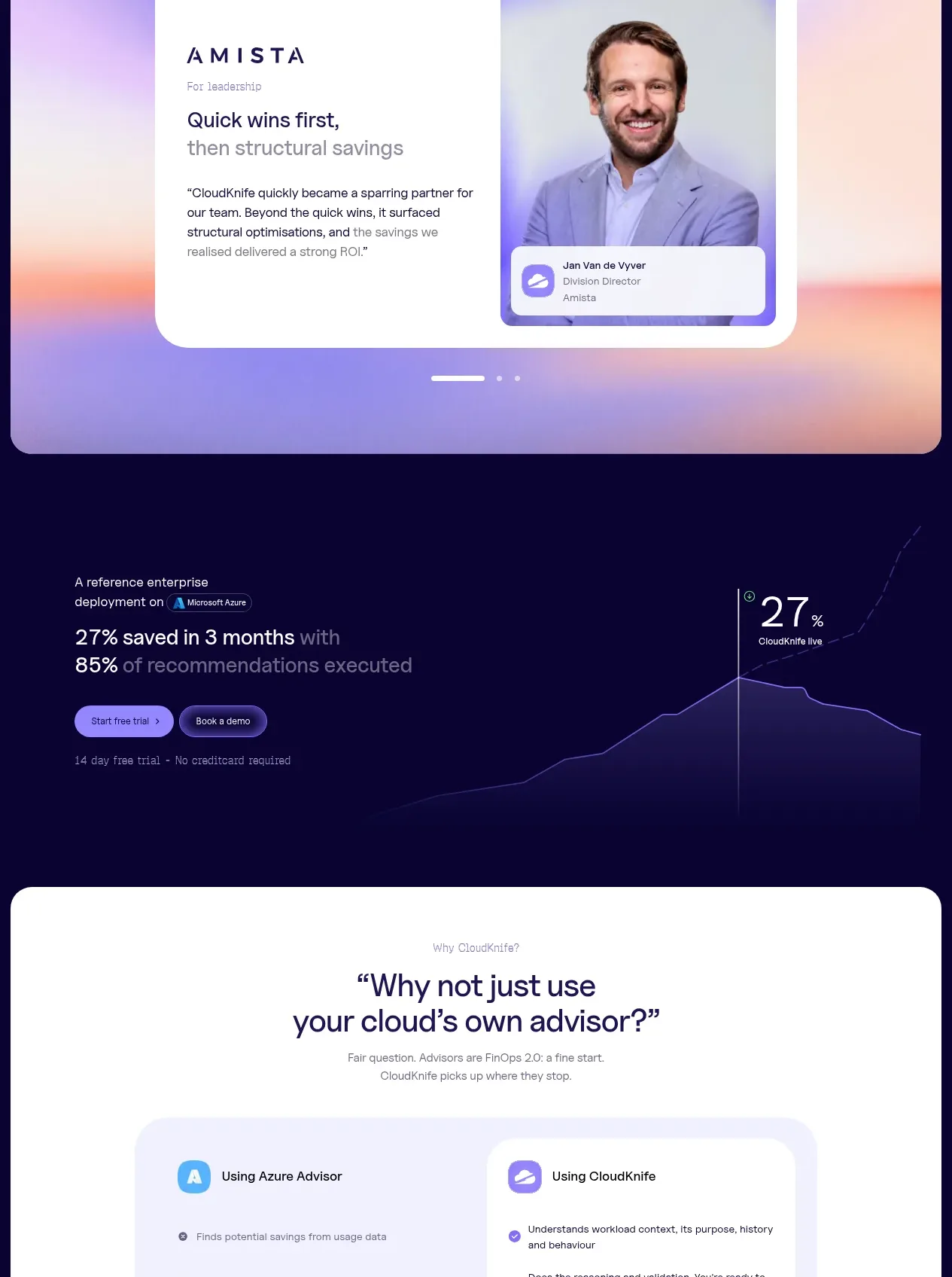
 Solution category tabs
CloudKnife · Tabs & steps
Solution category tabs
CloudKnife · Tabs & steps

 Directory filters and sorting
The Brains · Tabs & steps
Directory filters and sorting
The Brains · Tabs & steps
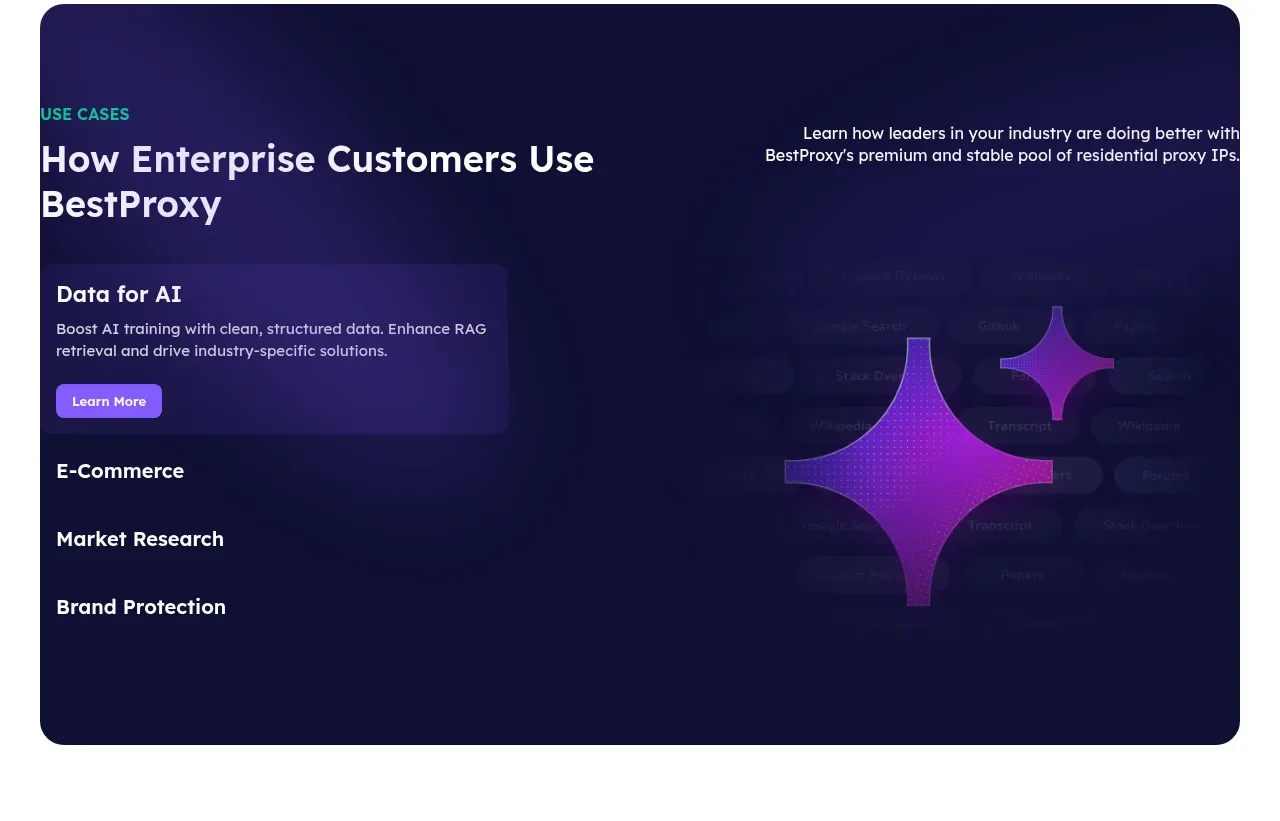
 Enterprise use cases
bestproxy.com · Tabs & steps
Enterprise use cases
bestproxy.com · Tabs & steps
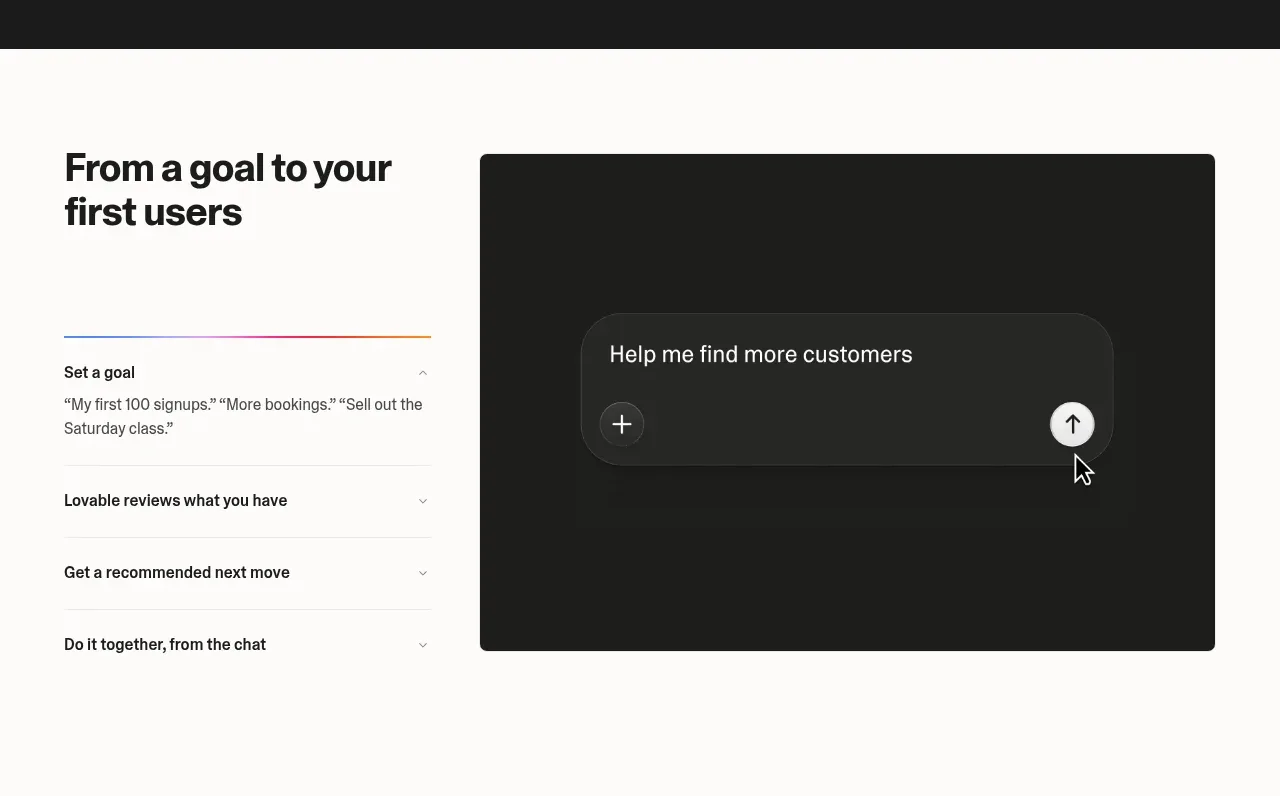
 Goal-to-first-users assistant
Lovable Growth Tools · Tabs & steps
Goal-to-first-users assistant
Lovable Growth Tools · Tabs & steps
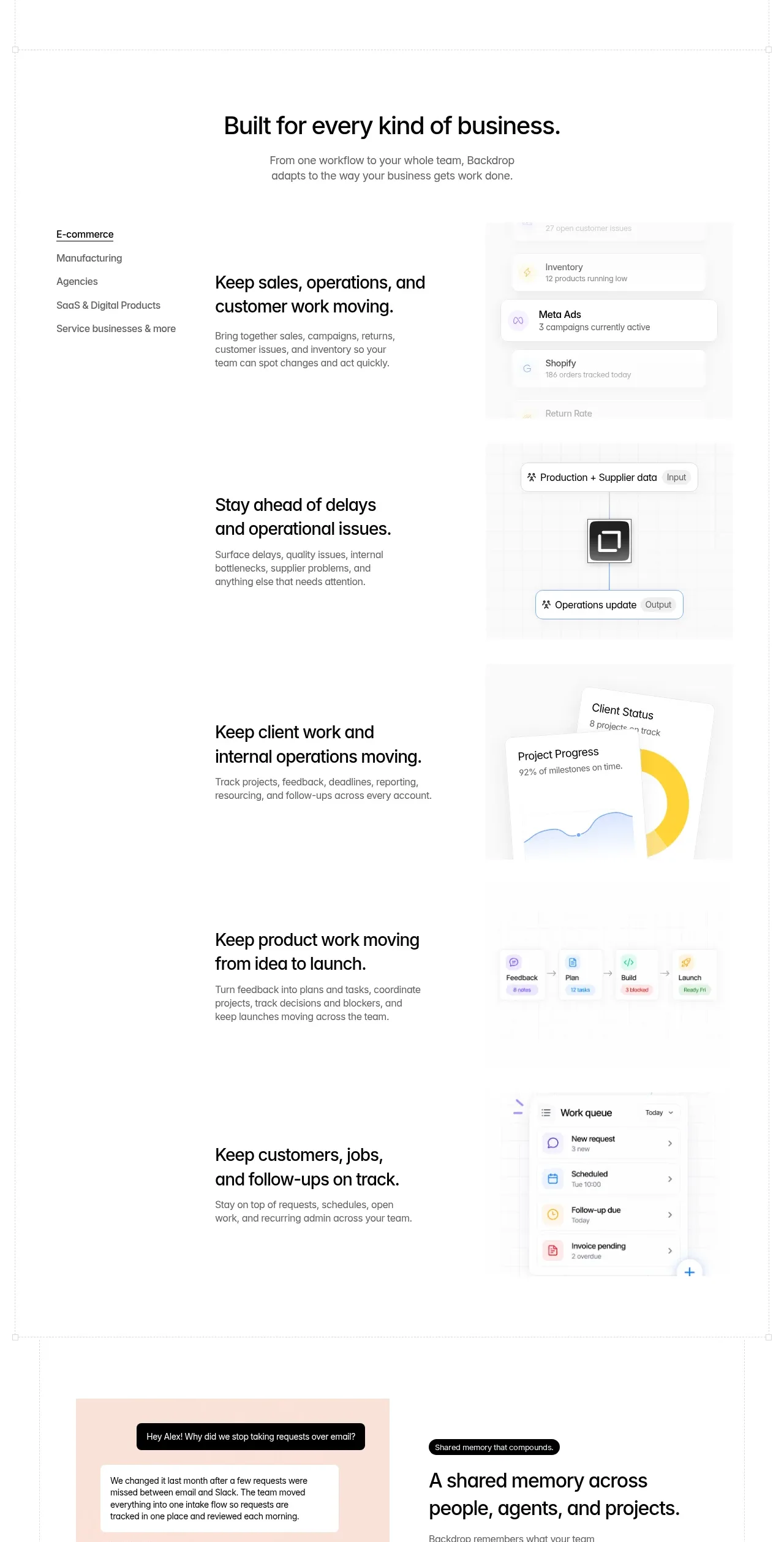
 Business use cases tabs
Backdrop · Tabs & steps
Business use cases tabs
Backdrop · Tabs & steps