 kage
kage
sponkly.com
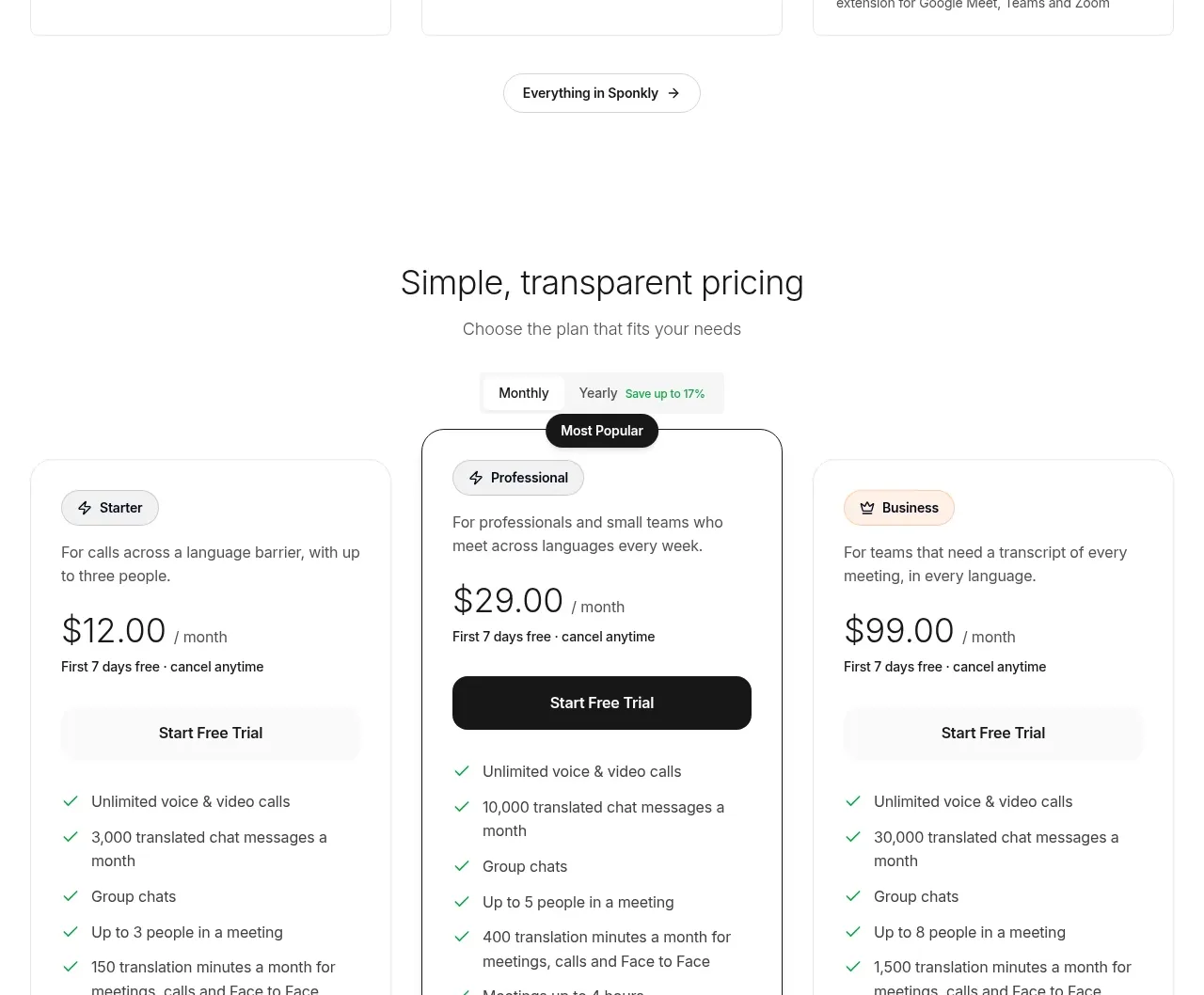
Design analysis
A dark, rounded conversion panel closes the product-story sequence with a concise promise, checklist, and a dashboard preview.
Prompt preview
## Reference images

Study these alongside the description below: hierarchy, rhythm, spacing, colour. Build for the product you are asked about, using this design language.

- Component: https://kage-design-assets.t3.tigrisfiles.io/components/sponkly/bd3f409f-e542-449e-8bba-263211d90a1c-1792735459-8.webp
- Full page it was cut from: https://kage-design-assets.t3.tigrisfiles.io/screenshots/sponkly/bd3f409f-e542-449e-8bba-263211d90a1c-1792735346298-full.webp
- Component on Kage: https://kage.design/component/sponkly-cta

## Before you start
Ask me what action this CTA should drive, who should take it, and what brand styling to use. Then build an original conversion panel using these rules.

Create a full-width dark CTA panel with 16–20px radius and a subtle black-to-slate gradient (#0C0C0C to #1B2024). Place a concise eyebrow, 30–36px heading, short paragraph, two or three benefit bullets, and one high-contrast pill or rounded CTA on the left. Put an original dashboard or product preview on the right in a softly bordered browser frame. Use white heading text, #BDBDBD body text, a white or pale primary button, and a small accent for status details.

Keep the panel internally padded by 32–48px, use a 45/55 split, and make the button action-focused. On mobile, stack the visual beneath the copy and keep the CTA visible without scrolling past the entire panel.

### Never
- Never use the reference product name, dashboard, copy, logos, screenshots, or imagery.
- Never duplicate the reference panel's UI or exact layout details.
More components

 Conversion banner
Papermark Data Rooms · Call to action
Conversion banner
Papermark Data Rooms · Call to action
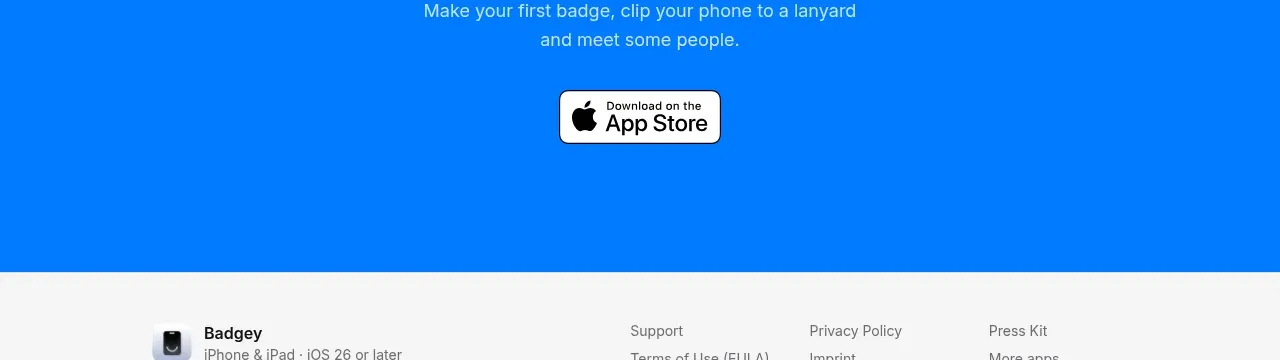
 Final download call to action
Badgey · Call to action
Final download call to action
Badgey · Call to action

 Final signup call to action
AgentGrid.io · Call to action
Final signup call to action
AgentGrid.io · Call to action
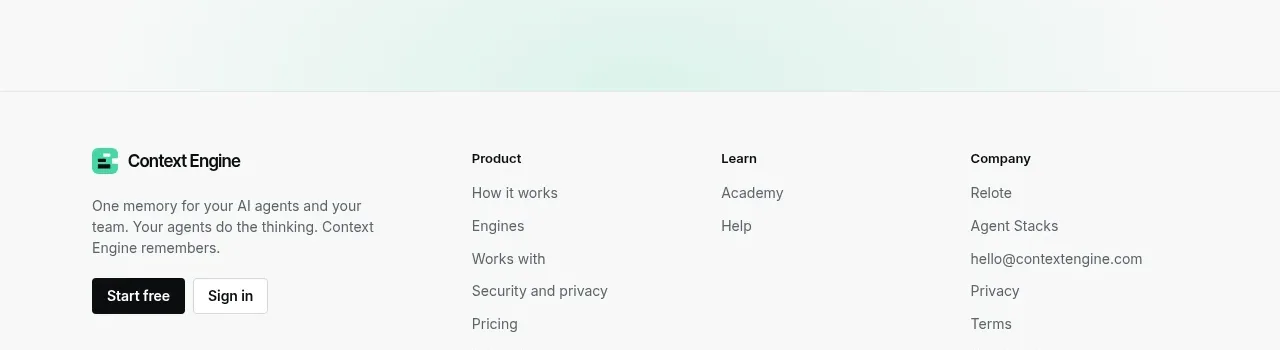
 Final conversion call to action
Context Engine · Call to action
Final conversion call to action
Context Engine · Call to action
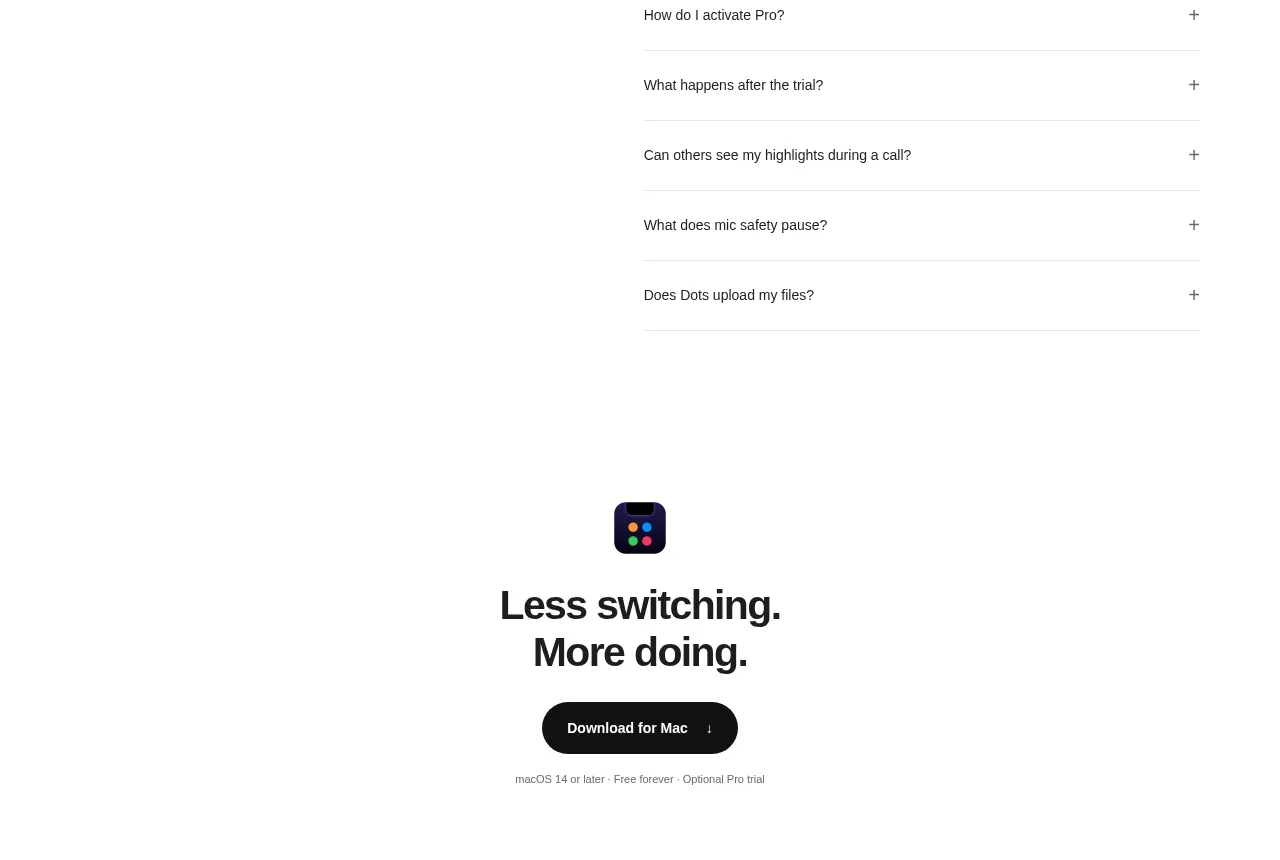
 Final download CTA
Dots · Call to action
Final download CTA
Dots · Call to action
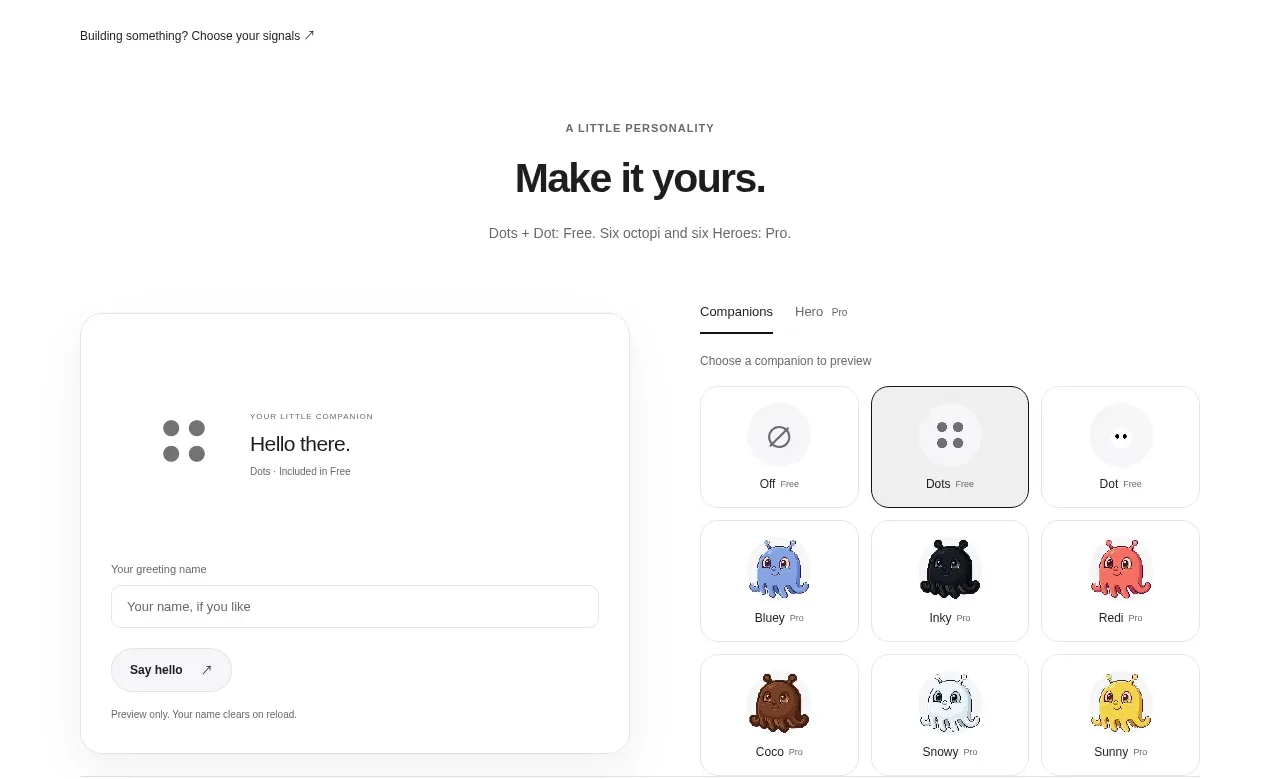 Developer workflow callout
Dots · Call to action
Developer workflow callout
Dots · Call to action