 kage
kage
storyshort.ai

Design analysis
A focused showcase section contrasts the idea of ordinary clips with polished short films and presents two prominent vertical video cards with play affordances.
Prompt preview
## Reference images

Study these alongside the description below: hierarchy, rhythm, spacing, colour. Build for the product you are asked about, using this design language.

- Component: https://kage-design-assets.t3.tigrisfiles.io/components/storyshort-ai/c734da75-ded5-4c81-9b78-0aa9ae185a47-1791551953-5.webp
- Full page it was cut from: https://kage-design-assets.t3.tigrisfiles.io/screenshots/storyshort-ai/c734da75-ded5-4c81-9b78-0aa9ae185a47-1791551915904-full.webp
- Component on Kage: https://kage.design/component/storyshort-gallery-2

## Before you start
Ask what finished examples best represent the user's product and whether the desired mood is cinematic, playful, premium, or utilitarian.

Create a compact centered showcase on a black background. Use a headline of 32–40px with one accent phrase in the product's highlight color, followed by a short muted explanation. Below, place two tall portrait video cards side by side with a consistent gap, 12–16px radius, strong crop, dark edge treatment, and centered play buttons. Keep the gallery narrower than the full page so the examples feel curated. Use soft shadows and optional hover zoom, but avoid excessive ornament. The section should sell quality through a small number of compelling artifacts.

Never: use the reference's logo, product name, copy, illustrations, imagery, or exact video thumbnails.
More components
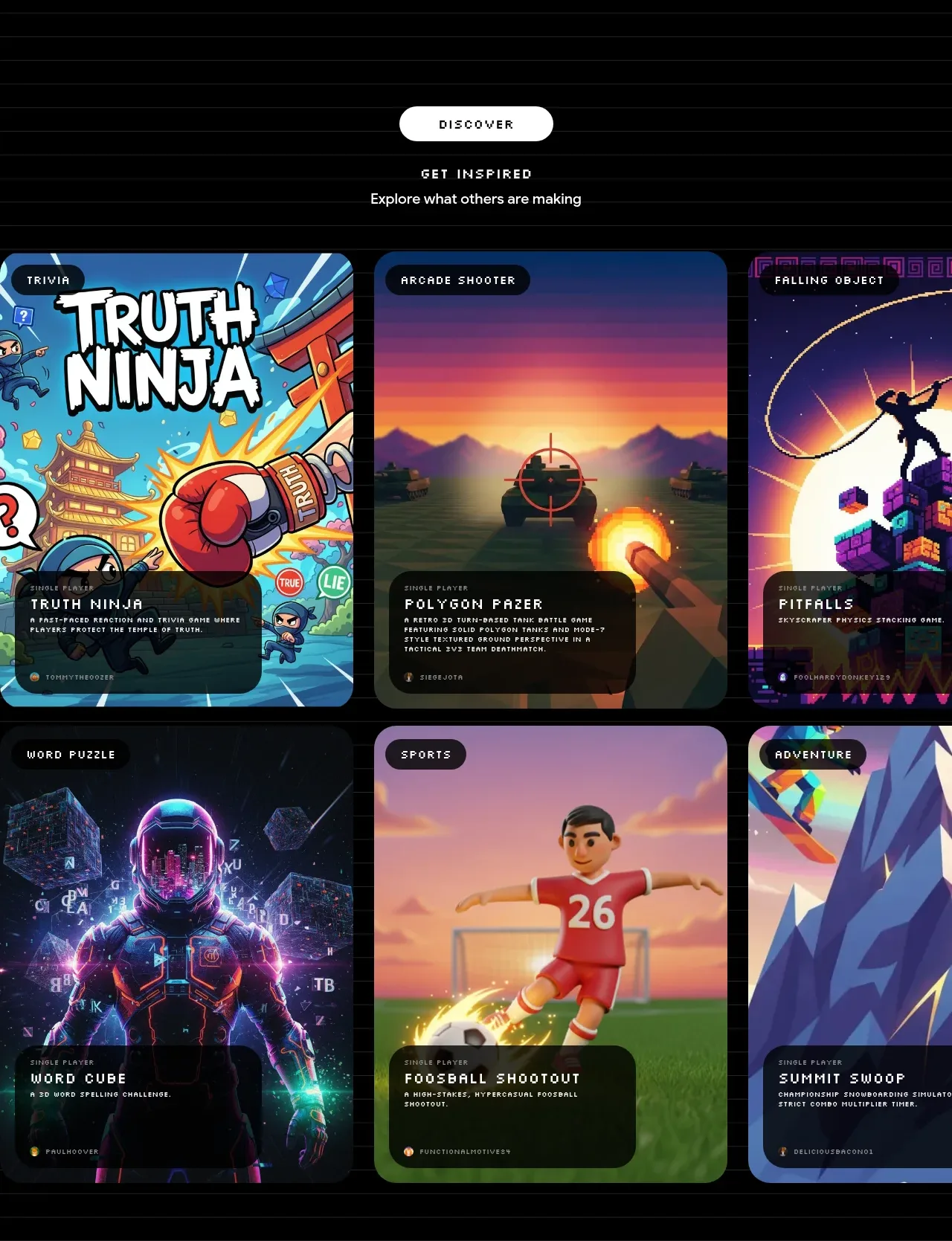
 Discover inspiration gallery
Playground by Google Labs · Gallery
Discover inspiration gallery
Playground by Google Labs · Gallery
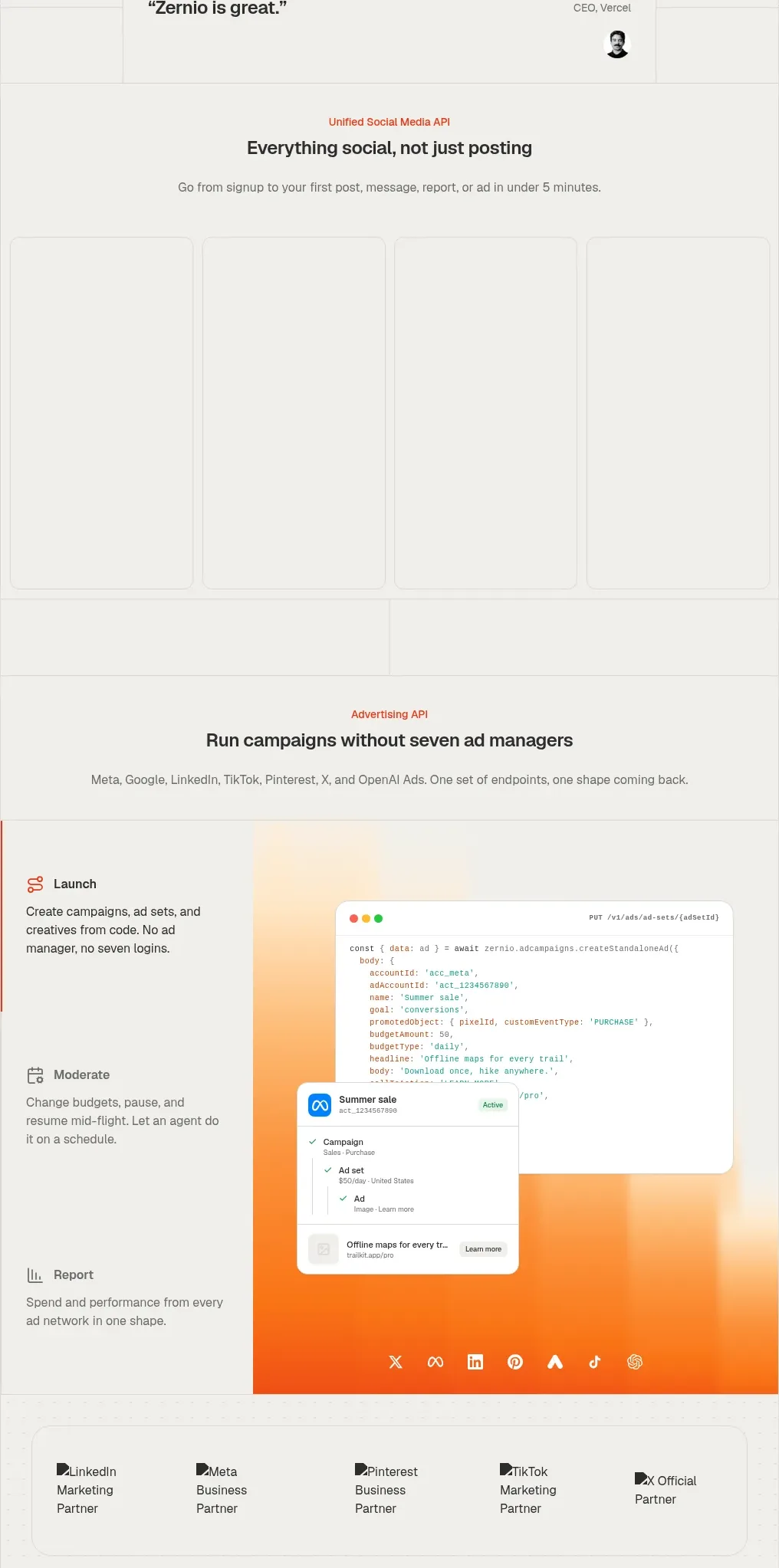
 Social media campaign API showcase
Zernio · Gallery
Social media campaign API showcase
Zernio · Gallery
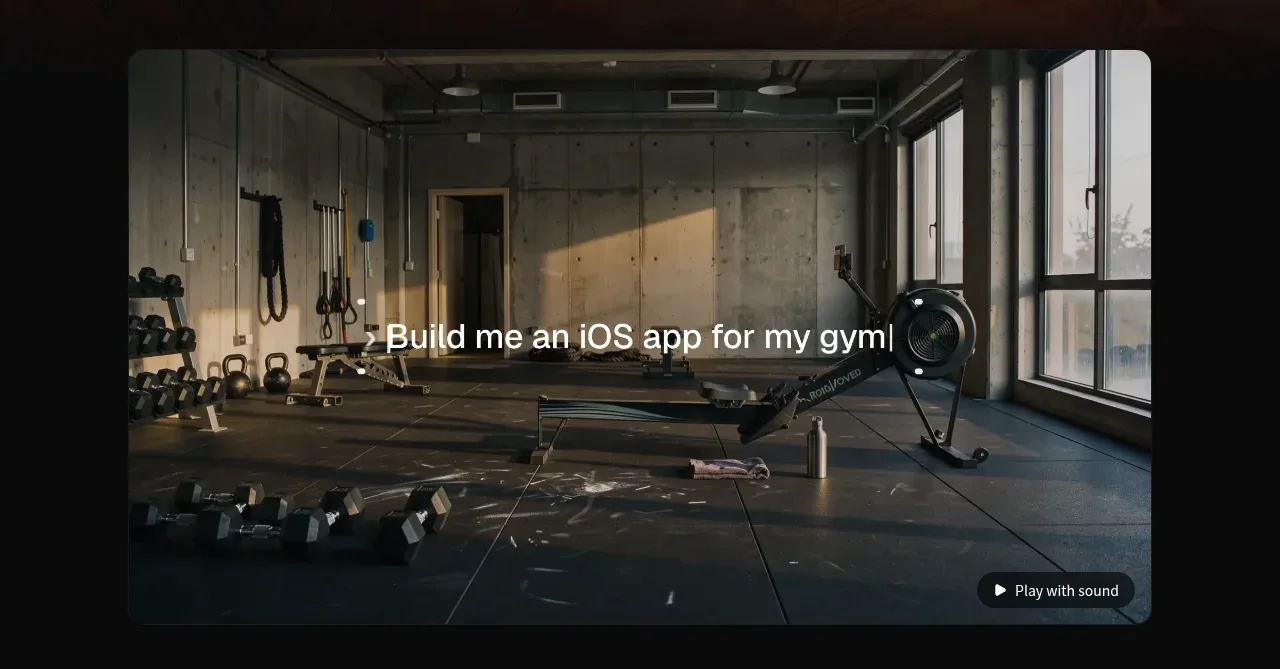
 Product demonstration media
capacity.so · Gallery
Product demonstration media
capacity.so · Gallery
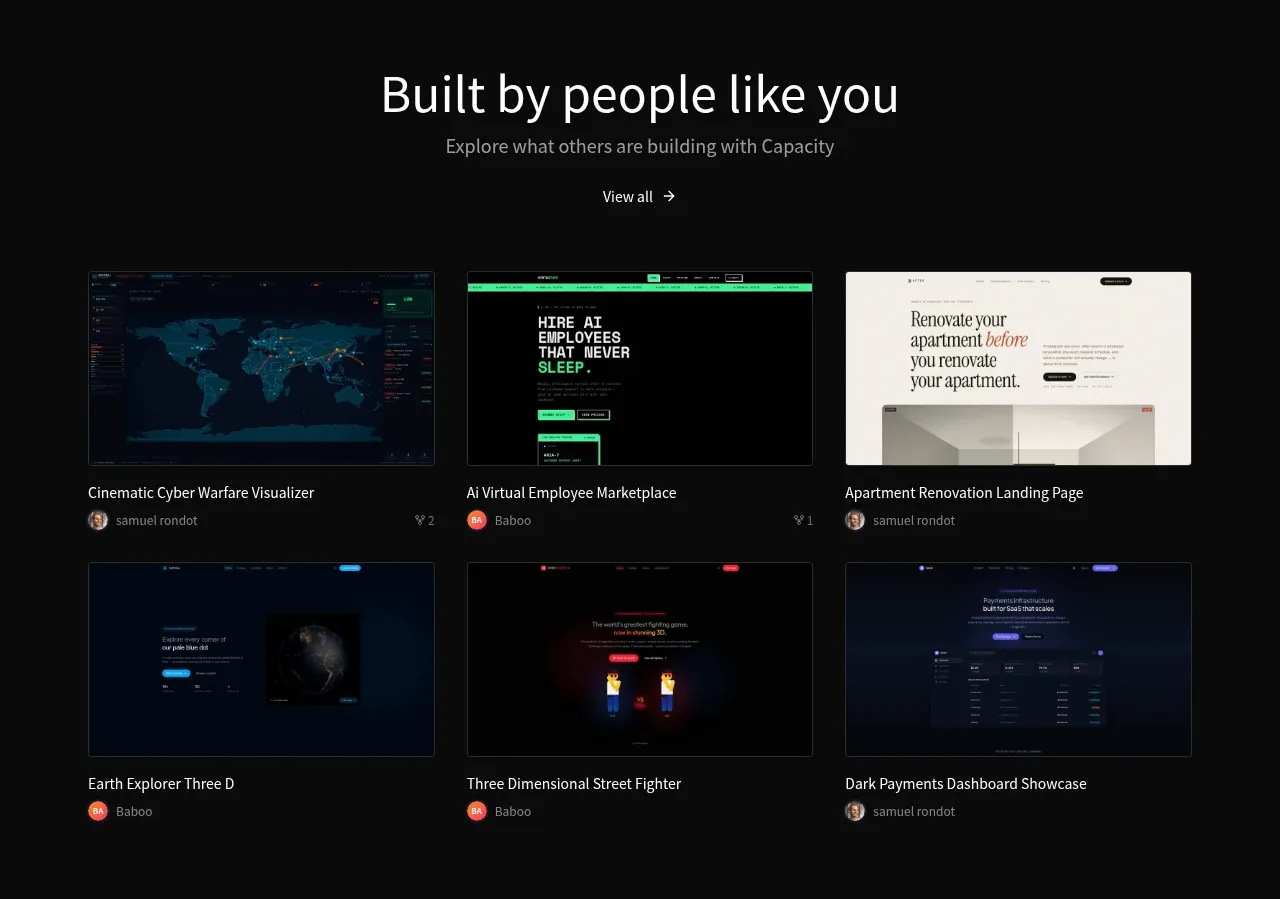 Community project gallery
capacity.so · Gallery
Community project gallery
capacity.so · Gallery
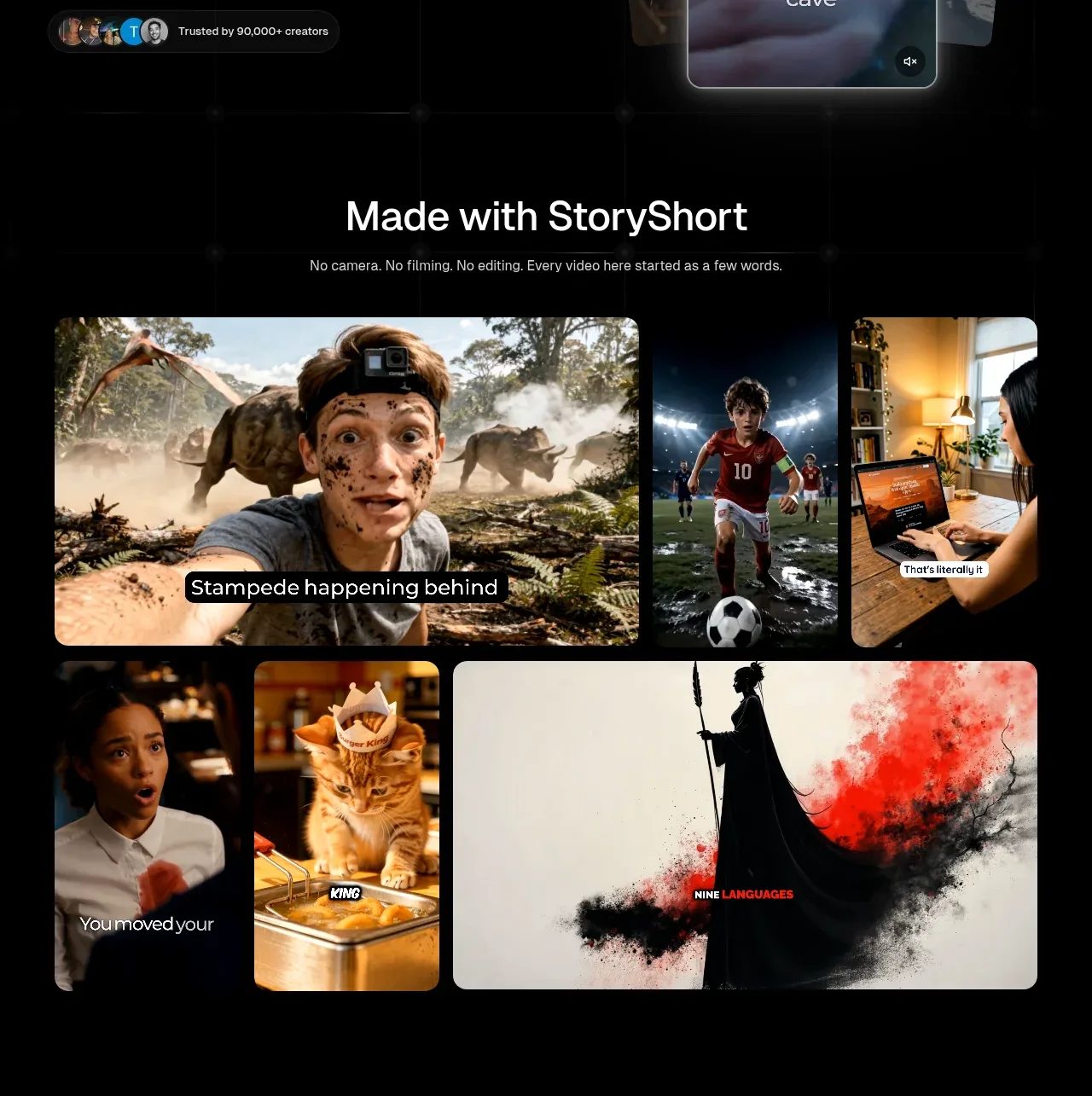
 Made-with showcase gallery
storyshort.ai · Gallery
Made-with showcase gallery
storyshort.ai · Gallery
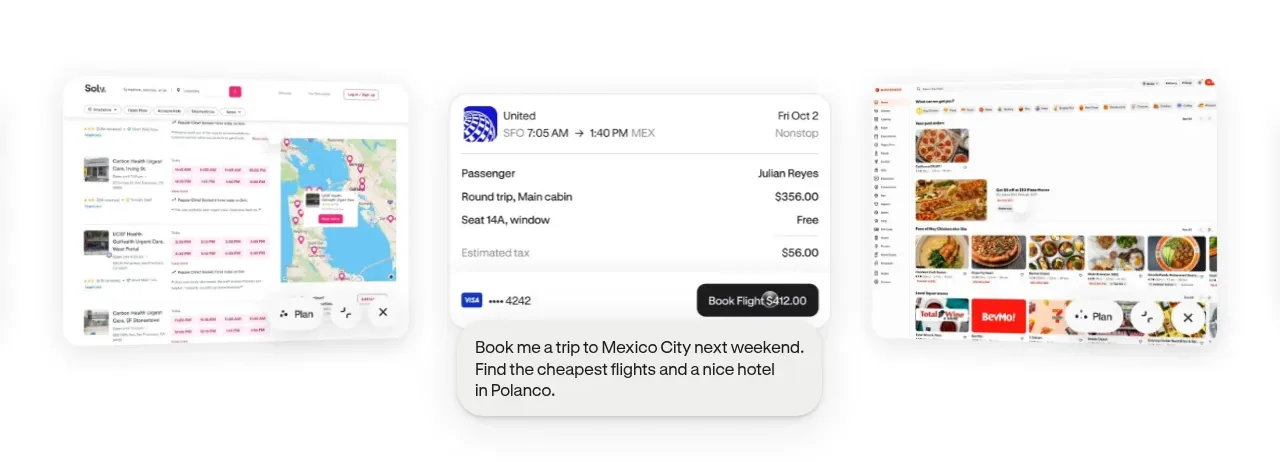
 Product-in-context showcase
Hark · Gallery
Product-in-context showcase
Hark · Gallery