 kage
kage
useit.im
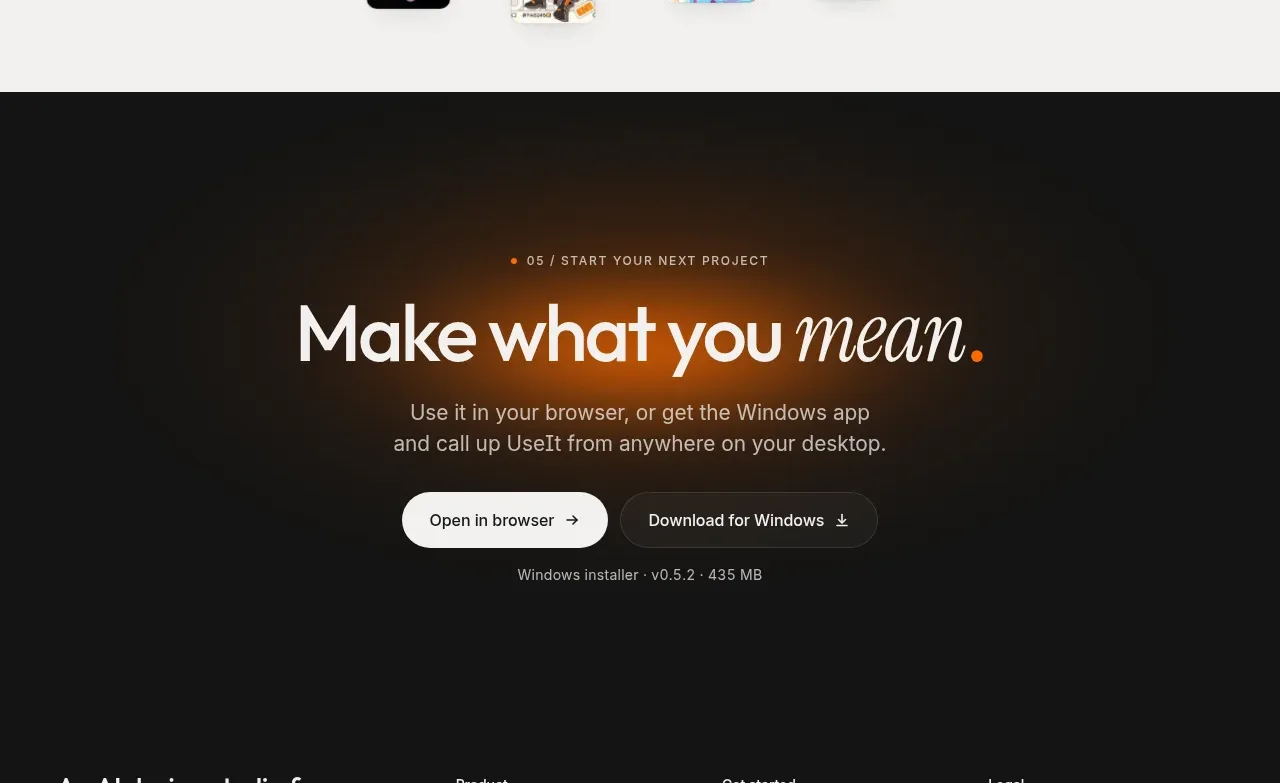
Design analysis
A dark conversion block uses a warm central glow, a concise promise, dual platform actions, and a small installer note to make the next step explicit.
Prompt preview
## Reference images

Study these alongside the description below: hierarchy, rhythm, spacing, colour. Build for the product you are asked about, using this design language.

- Component: https://kage-design-assets.t3.tigrisfiles.io/components/useit-studio/292486c5-265b-4687-bbec-a08df326a6fd-1792648911-6.webp
- Full page it was cut from: https://kage-design-assets.t3.tigrisfiles.io/screenshots/useit-studio/292486c5-265b-4687-bbec-a08df326a6fd-1792648867851-full.webp
- Component on Kage: https://kage.design/component/useit-cta

## Before you start
Ask what the user's primary conversion is, which platforms or plans are available, and what reassurance users need before starting. Apply the following hierarchy to that product.

Build a centered dark CTA section with a near-black background (#121212) and a very subtle amber radial glow behind the heading. Add a small numbered eyebrow, a large high-contrast headline with one expressive italic word, and a short paragraph explaining the next step. Place two adjacent pill buttons: a light primary action and a darker outlined secondary action, with distinct arrow/download icons. Add a small muted note beneath for version, platform, pricing, or installation details. Use warm white #F4F1E9, gray #AAA69D, orange #E88A18, and translucent charcoal borders. Keep the content width around 560–640px, use 72–110px vertical padding, and provide hover, focus, and disabled states. On mobile, stack the buttons and preserve a clear primary/secondary contrast.

Never:
- use logos, product names, copy, illustrations, or imagery from the reference
- copy the reference slogan, platform names, or installer details
- add competing testimonials, feature lists, or unrelated navigation inside the CTA
More components

 Conversion banner
Papermark Data Rooms · Call to action
Conversion banner
Papermark Data Rooms · Call to action
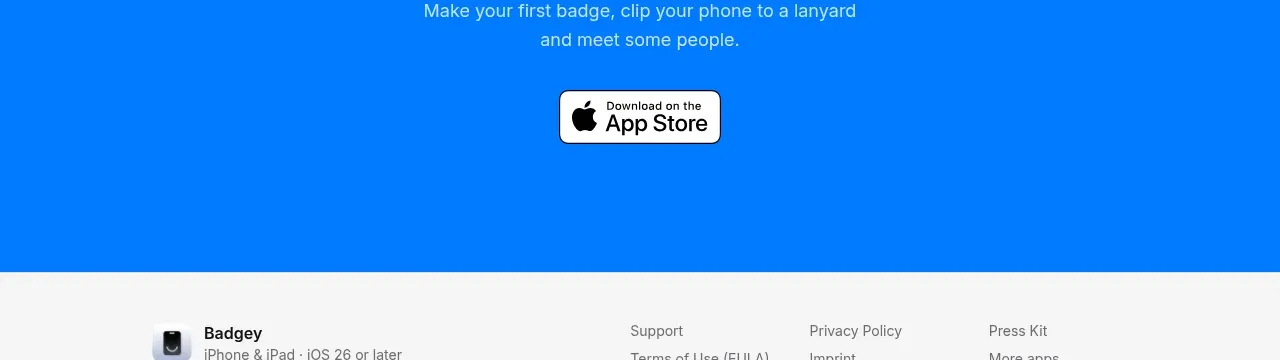
 Final download call to action
Badgey · Call to action
Final download call to action
Badgey · Call to action

 Final signup call to action
AgentGrid.io · Call to action
Final signup call to action
AgentGrid.io · Call to action
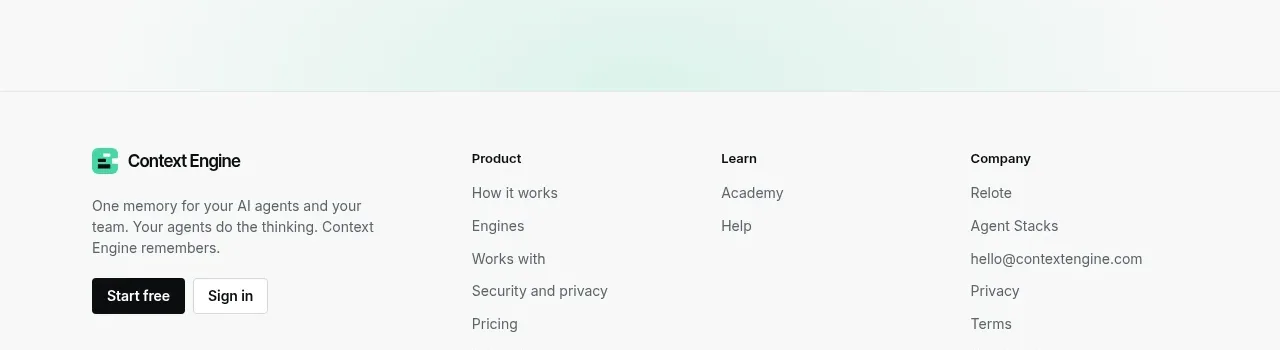
 Final conversion call to action
Context Engine · Call to action
Final conversion call to action
Context Engine · Call to action
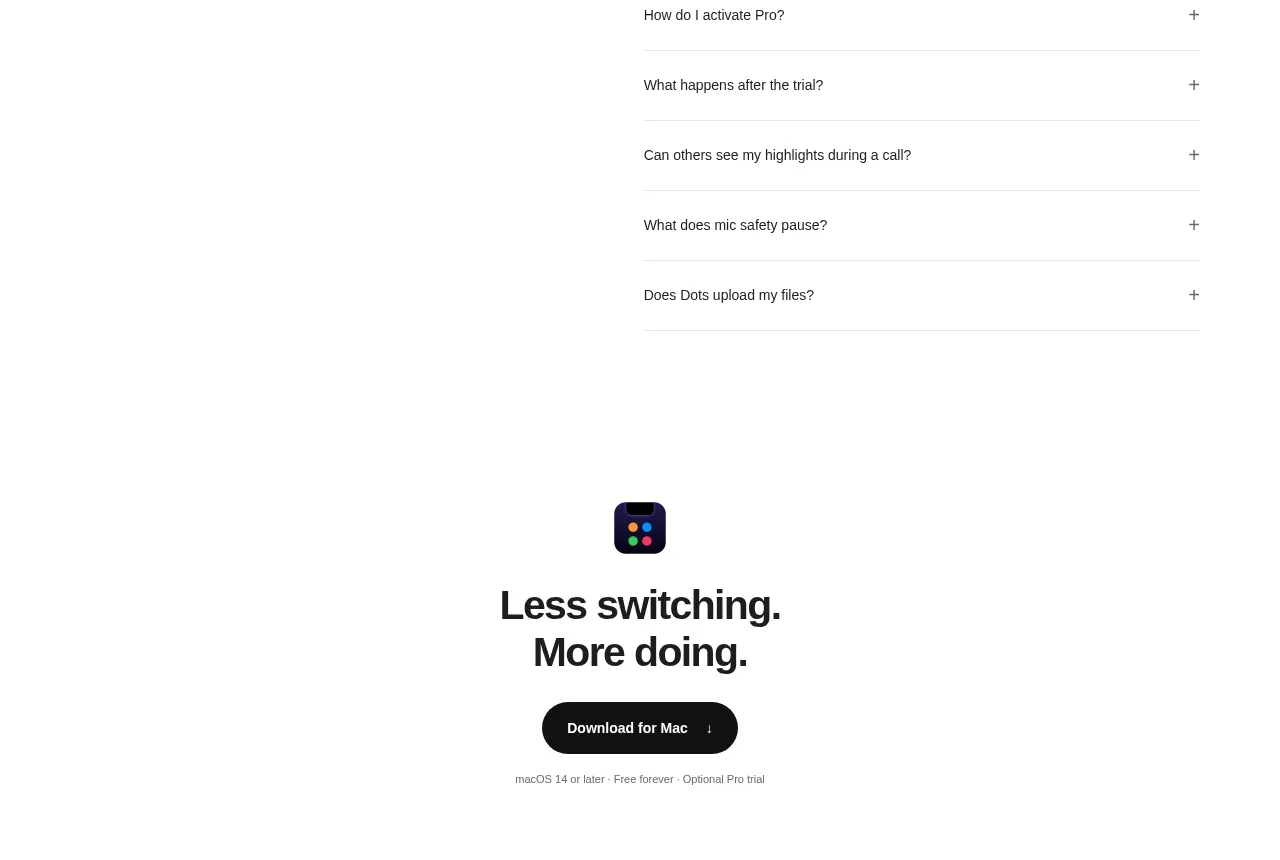
 Final download CTA
Dots · Call to action
Final download CTA
Dots · Call to action
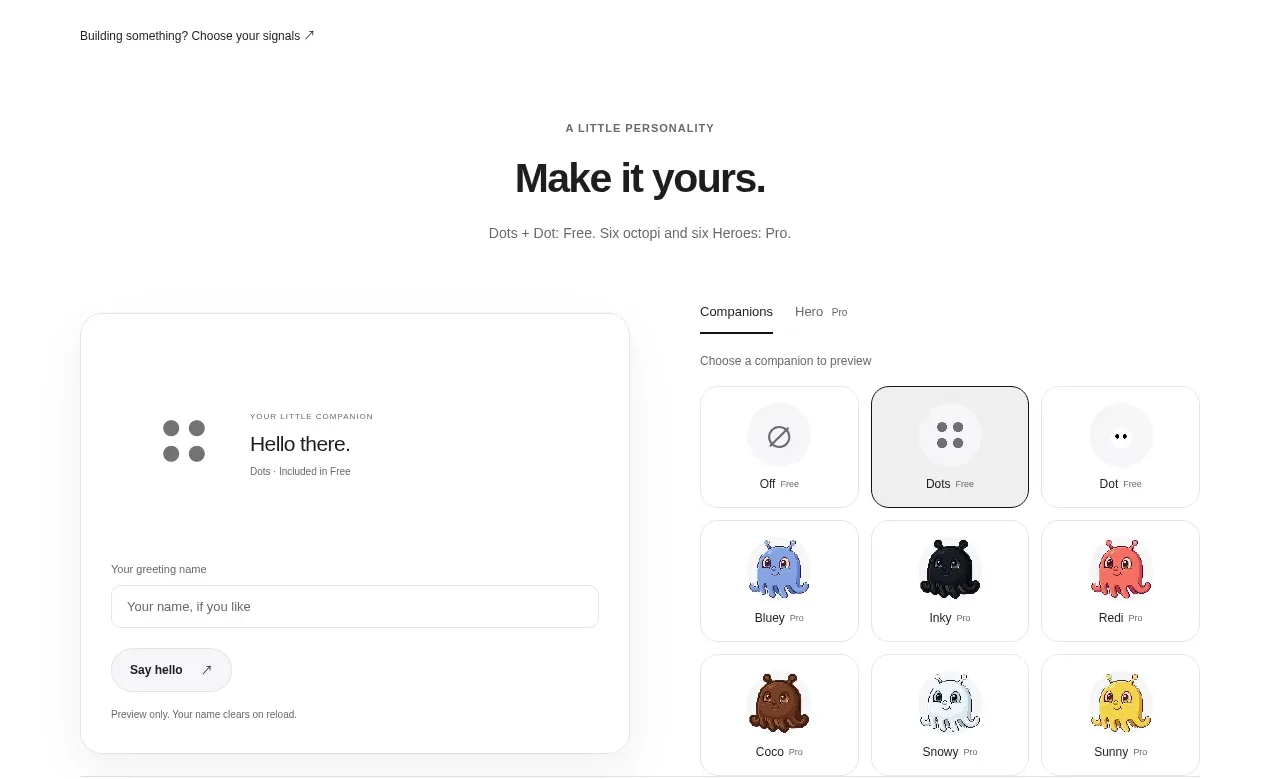 Developer workflow callout
Dots · Call to action
Developer workflow callout
Dots · Call to action