kage
kage
zro.moonmath.ai
Design analysis
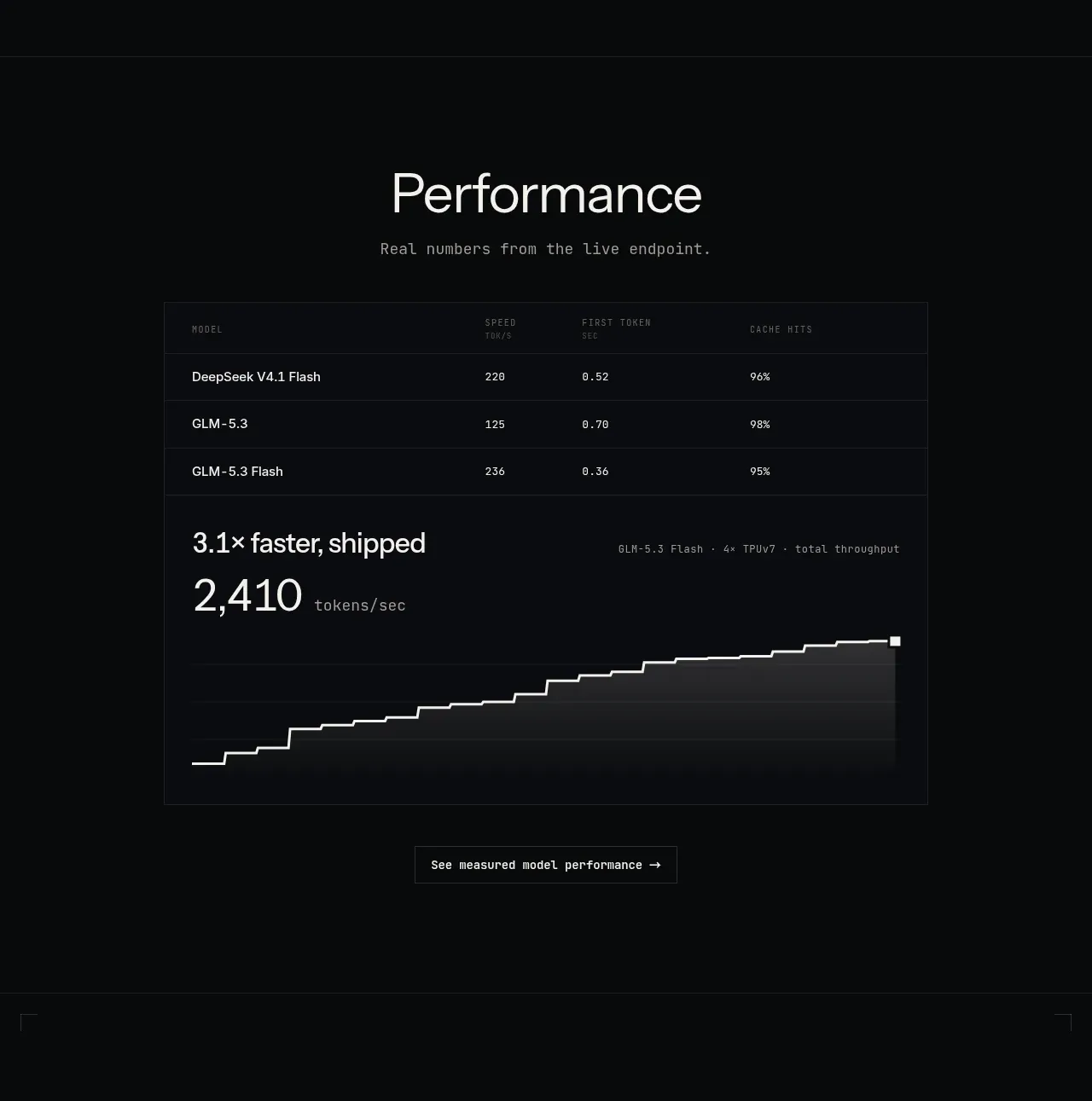
This section combines a performance heading, benchmark table, headline throughput statistic, stepped line chart, and a measured-performance link.
Prompt preview
## Reference images

Study these alongside the description below: hierarchy, rhythm, spacing, colour. Build for the product you are asked about, using this design language.

- Component: https://kage-design-assets.t3.tigrisfiles.io/components/zro-uncensored-security-models/e20130e7-a5cc-45c0-9379-5144f5425289-1793253723-5.webp
- Full page it was cut from: https://kage-design-assets.t3.tigrisfiles.io/screenshots/zro-uncensored-security-models/e20130e7-a5cc-45c0-9379-5144f5425289-1793253671388-full.webp
- Component on Kage: https://kage.design/component/zro-uncensored-security-models-chart

## Before you start
Ask what the user's product and brand are, then apply the following principles to that context.

Build a performance section with a centered title and restrained subtitle, followed by a bordered benchmark module. Start the module with a compact table containing model or item names and 3–4 measured columns. Below it, emphasize one large performance claim and numeric metric, then render a monochrome stepped line chart with a thin bright line, subtle horizontal grid lines, and a small endpoint marker. Include a quiet outlined action below the chart. Use near-black `#090b0d`, panel border `#1c2024`, table rules `#24272c`, primary text `#e6e7e2`, muted labels `#777c82`, and chart line `#e9e9e4`. Use monospace for data, labels, and metric annotations. Keep chart axes minimal and prioritize legibility over decoration. Ensure the chart is responsive and accessible with a text summary or data table.

Never: use logos, product names, copy, illustrations or imagery from the reference.