kage
kage
agentgrid.io
Design analysis
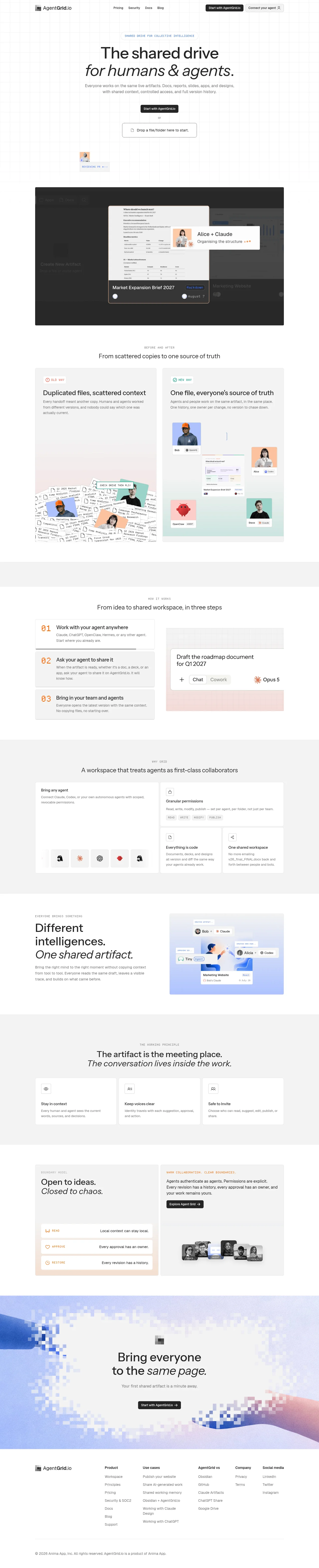
A long-form, mostly white landing page uses a faint technical grid, restrained black typography, and small uppercase monospace labels to establish a precise workspace feel. The hero is spacious and conversion-focused, then the page shifts into a dark product showcase, before/after comparison cards, numbered workflow steps, bento-style capability panels, alternating editorial image-text sections, principle cards, and a warm governance panel. Pale gray section bands and occasional pastel blue, pink, orange, and lavender gradients create rhythm without overwhelming the monochrome base; the final pixelated gradient CTA provides the strongest visual punctuation before a compact multi-column footer.
Prompt preview
## Reference images

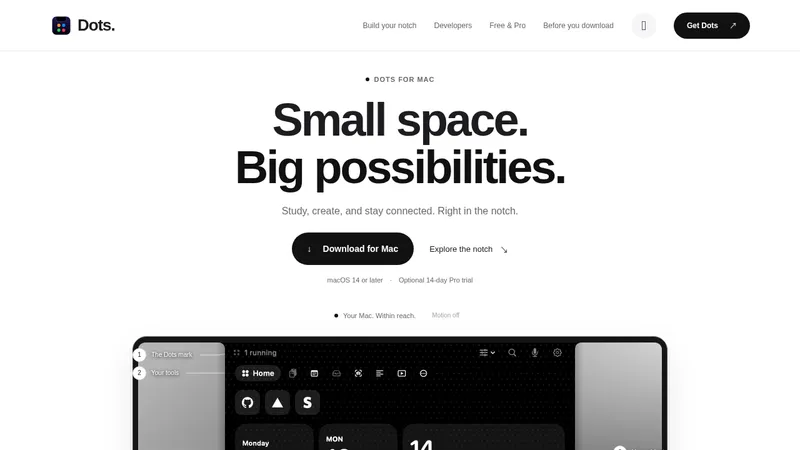
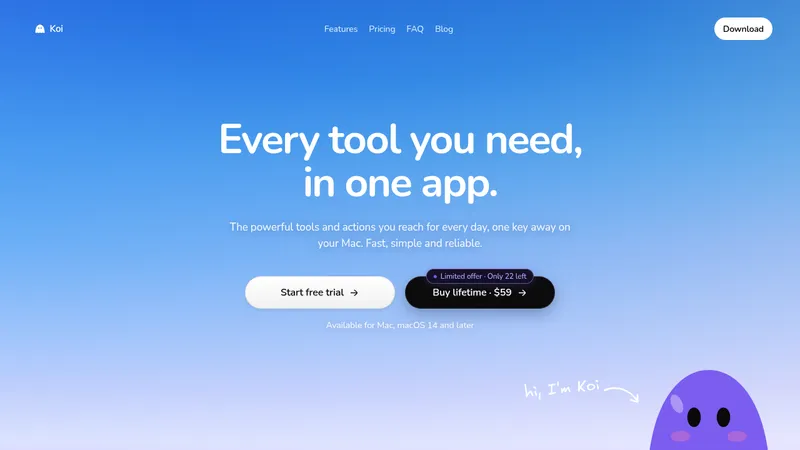
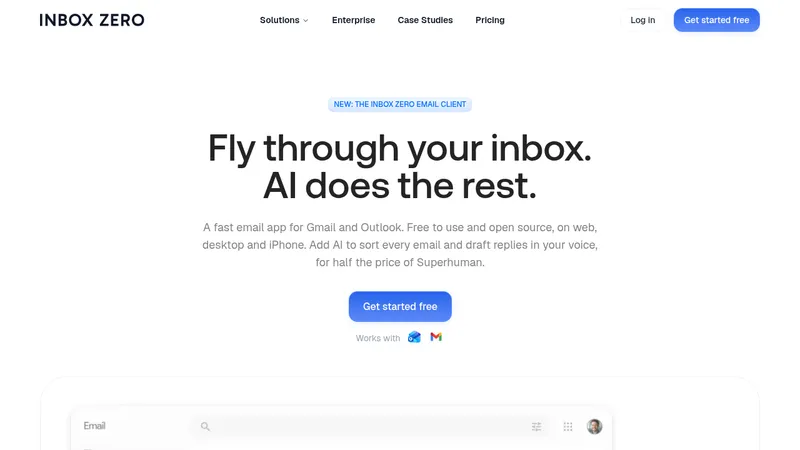
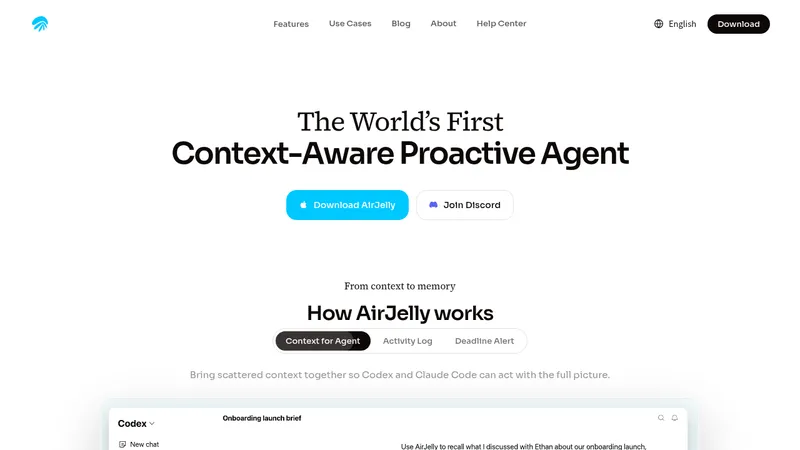
Study these alongside the description below: hierarchy, rhythm, spacing, colour. Build for the product you are asked about, using this design language.

- Full page: https://kage-design-assets.t3.tigrisfiles.io/screenshots/agentgrid-io/a4a816d7-f557-4fb4-82e6-3348f23e6057-1792994443669-full.webp
- Above the fold: https://kage-design-assets.t3.tigrisfiles.io/screenshots/agentgrid-io/a4a816d7-f557-4fb4-82e6-3348f23e6057-1792994436353.webp
- Design on Kage: https://kage.design/designs/agentgrid-landing-page

## Before you start
Ask the user what they are building, who it is for, and what brand assets they already have, including the product name, colours, type choices, logo, and imagery. Wait for their answers before proceeding. Apply the structure and visual system below to their product, not to the reference, and replace all example content with relevant content for their audience.

## Page structure
1. **Global header:** Place a compact logo or brand mark at the left, a small horizontal navigation in the centre, and two right-aligned actions: a dark primary CTA and a light outlined secondary action. Keep the header narrow, quiet, and aligned to the main content width.
2. **Hero:** Use a tall, airy hero over a faint square grid. Add a tiny uppercase eyebrow, a large two-line headline with an italic second line, a concise supporting paragraph, a dark CTA, a small “or” divider, and a dashed upload/drop zone. Keep the content centred with generous whitespace.
3. **Product showcase:** Follow the hero with a wide, dark charcoal product-preview panel. Use a dimmed workspace background and a brighter focused document/card in the centre, with an overlapping collaborator or agent annotation to communicate shared work.
4. **Before-and-after section:** Add a centred eyebrow and heading, then two equal-height comparison cards in a two-column grid. The left card shows a cluttered, scattered-work visual; the right card shows one clean shared artifact with collaborators arranged around it. Use distinct old/new status treatments.
5. **How-it-works section:** Introduce a pale gray horizontal band with a centred eyebrow and heading. On the left, stack three bordered numbered rows; on the right, show a large soft-gradient interface mockup. Make the numbers the strongest accent in the list.
6. **Why-this-product bento section:** In another pale gray band, place a centred heading above a bento grid. Give the large left tile a short description and a row of agent/avatar tiles, while the right side contains one wide permissions tile above two smaller capability tiles.
7. **Shared-artifact editorial section:** Return to white and use a two-column editorial layout: a large left-aligned statement with a mixed regular/italic headline and paragraph, and a pastel blue product illustration or interface panel on the right.
8. **Working-principle section:** Use a pale gray band with a centred two-line statement, again pairing regular and italic emphasis. Under it, place three equal white cards with small line icons, concise headings, and short explanatory copy.
9. **Boundary-model section:** On white, create two side-by-side cards. The left uses a warm peach/yellow tint and a large regular/italic heading above three horizontal policy rows; the right remains neutral and explains permissions, with a dark CTA and a small horizontal cluster of people/agent portraits.
10. **Final CTA:** Use a full-width pixelated or dithered abstract gradient field, blending pale blue, lavender, white, and soft coral. Centre a small brand mark, a bold two-line CTA with italic emphasis, supporting copy, and a dark button.
11. **Footer:** Finish with a restrained white footer on the same content grid. Put the brand at left and several compact link columns to the right, then add a thin divider and a small copyright/legal line.

## Design language
- Build hierarchy through scale and whitespace rather than heavy decoration: use oversized 48–64px desktop hero type, 28–40px section headings, 14–16px body copy, and tiny 9–11px uppercase mono eyebrows with generous letter spacing.
- Pair a clean sans-serif for interface and body text with italic sans-serif emphasis in headlines. Keep line lengths controlled and use slightly tight headline tracking.
- Treat the page as a sequence of density changes: spacious white hero, dense dark showcase, structured comparison cards, compact numbered rows, bento grid, editorial split layouts, then a high-impact CTA and quiet footer.
- Use a mostly monochrome palette: white `#ffffff`, near-black `#171717`, charcoal `#282828`, pale gray `#f4f4f3`, and medium gray text `#737373`. Reserve colour for small status labels and soft visual fields.
- Add restrained accents in muted orange `#d88942`, mint/teal `#8fcfc2`, pale blue `#b8d6ff`, lavender `#c9c9ff`, blush `#f4c9c6`, and warm peach `#f3ddc8`; keep them desaturated and subordinate to the typography.
- Use very light 1px borders, subtle gray fills, and small 4–8px radii on cards. Avoid deep shadows; use soft inset or barely visible elevation only where a mockup needs separation.
- Use faint square grid lines in the hero at roughly 32–48px intervals, with low opacity so text remains dominant. Use broad pastel gradients and pixelated/dithered edges only in showcase artwork and the final CTA.
- Make cards feel like product documentation: concise labels, clear internal alignment, generous padding, and explicit status or permission metadata. Use thin line icons and simple avatar tiles rather than decorative icon sets.
- Buttons are compact, dark, high-contrast rectangles with modest radius and short labels; secondary actions are white with a light border. Keep interaction states subtle: slight colour shift, border darkening, and a small translate or opacity change rather than dramatic animation.
- Where motion is added, use slow gradient drift, gentle mockup parallax, and restrained card fade/slide reveals. Do not animate the dense grid or make the page feel playful.

## Never
- Do not copy the reference product’s logo, wordmark, product name, tagline, navigation labels, marketing copy, screenshots, avatars, agent identities, illustrations, photography, or icon set.
- Do not present the result as AgentGrid or imply affiliation with it.
- Do not reproduce exact section text or branded interface content; preserve only the reusable layout logic, typographic rhythm, colour restraint, and interaction principles.
Components from this page
All components
 Top navigation
AgentGrid.io · Navigation
Top navigation
AgentGrid.io · Navigation
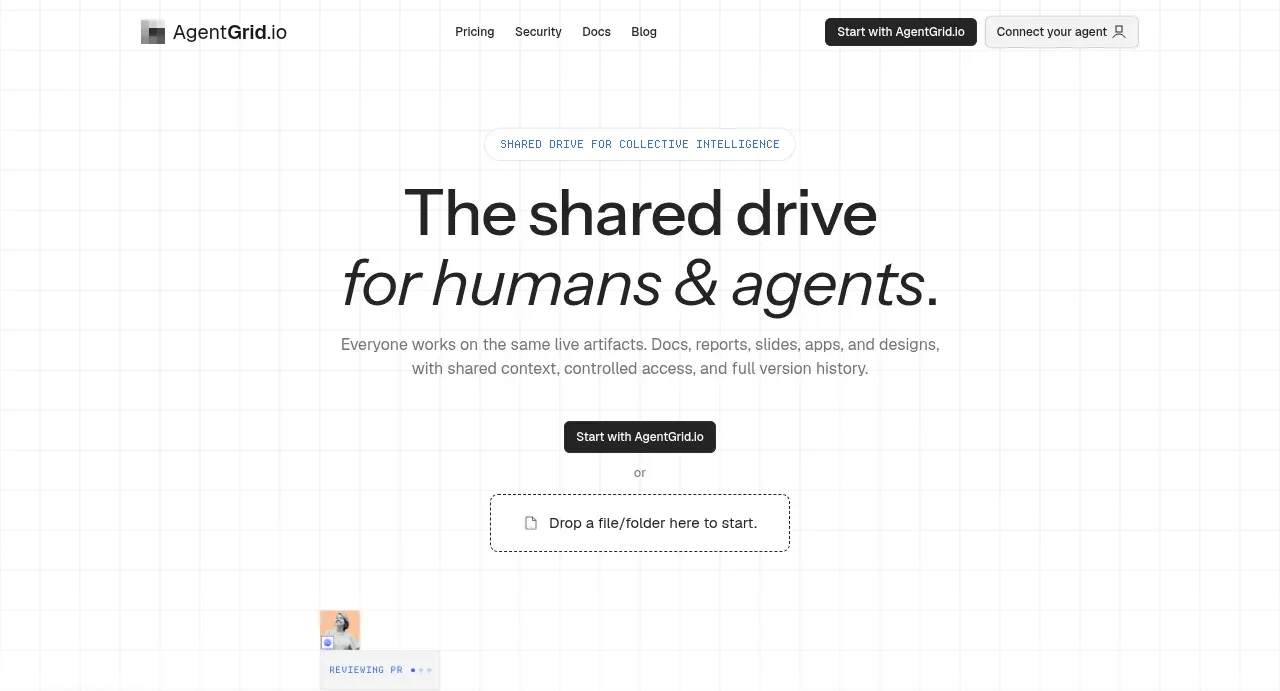 Shared workspace hero
AgentGrid.io · Hero
Shared workspace hero
AgentGrid.io · Hero
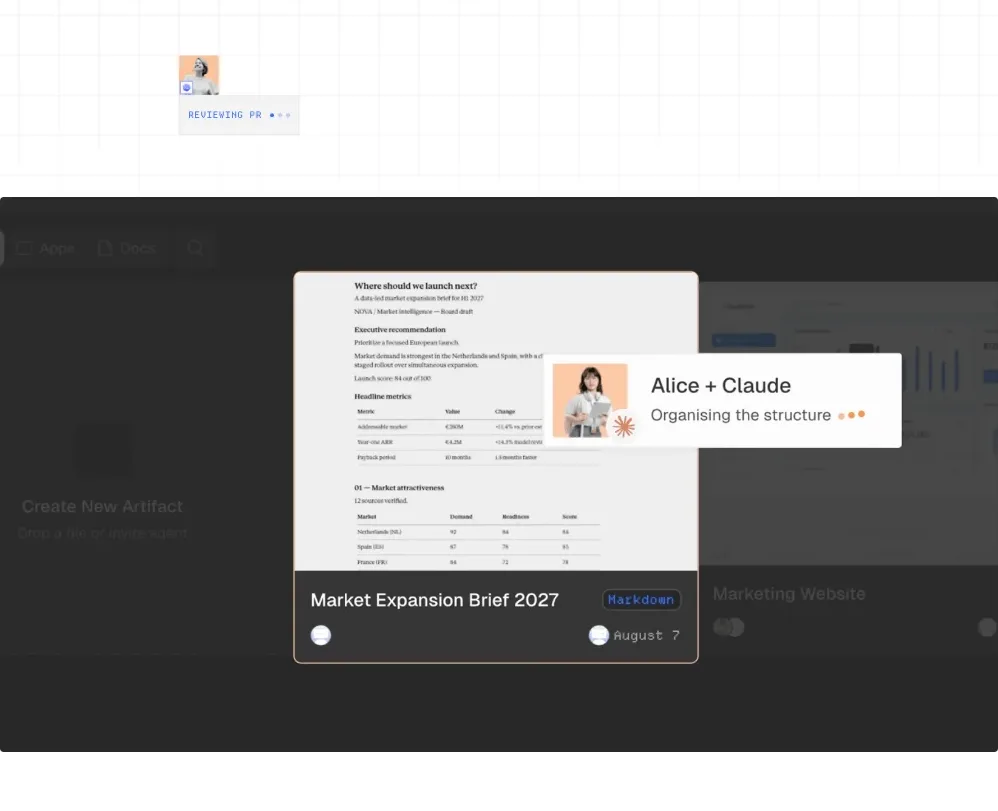 Workspace product preview
AgentGrid.io · Gallery
Workspace product preview
AgentGrid.io · Gallery
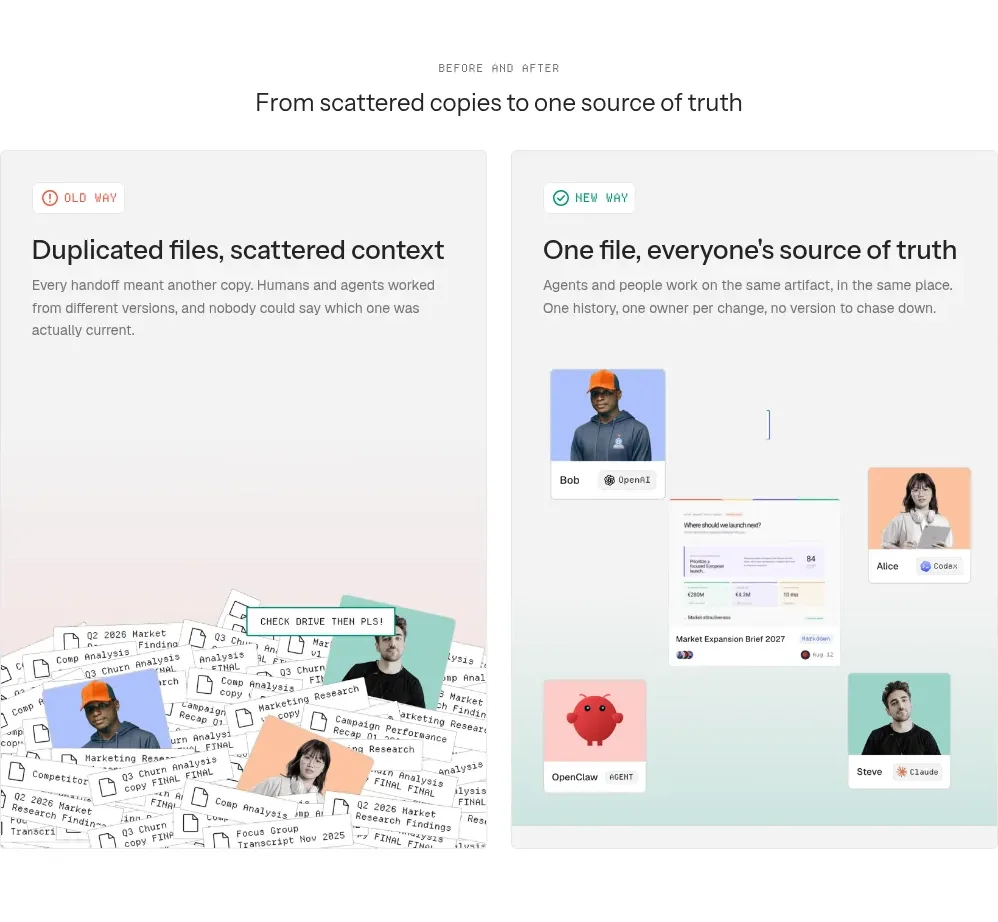 Before-and-after comparison
AgentGrid.io · Feature grid
Before-and-after comparison
AgentGrid.io · Feature grid
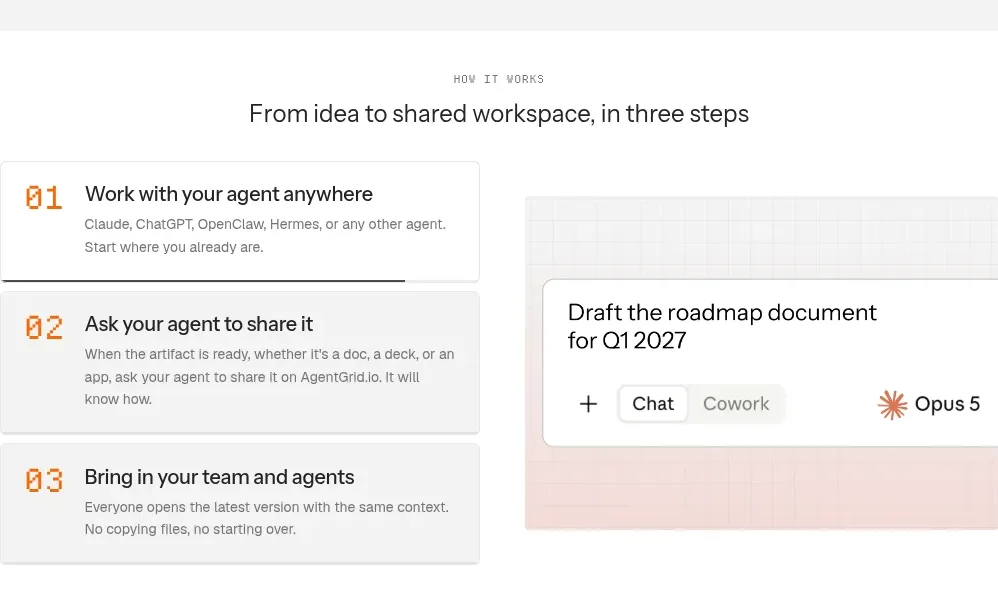 Three-step workflow
AgentGrid.io · Feature grid
Three-step workflow
AgentGrid.io · Feature grid
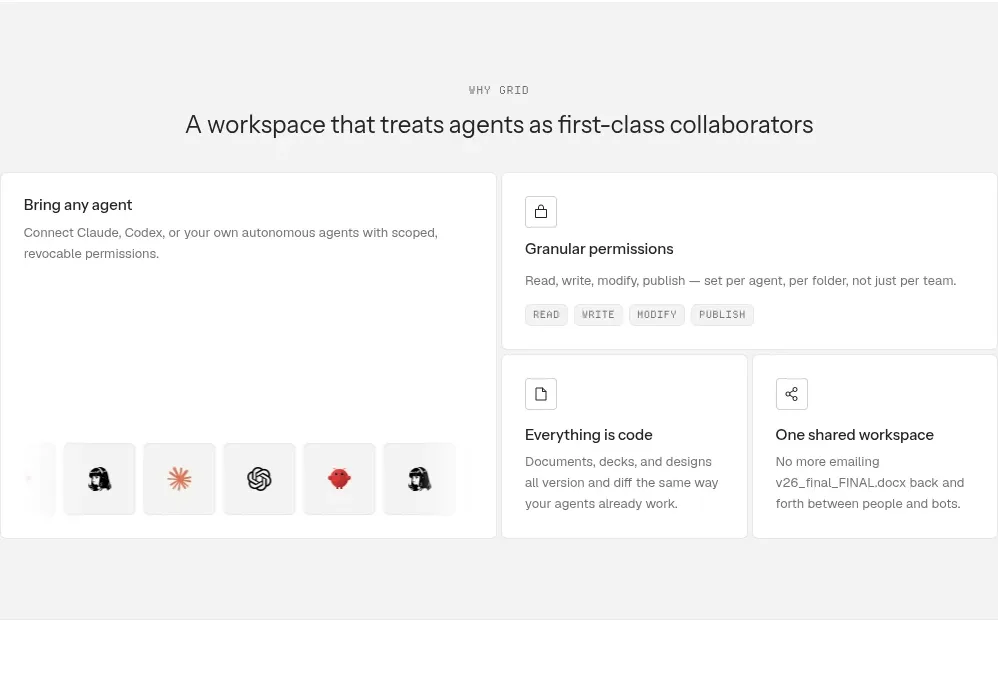 Workspace capabilities
AgentGrid.io · Feature grid
Workspace capabilities
AgentGrid.io · Feature grid
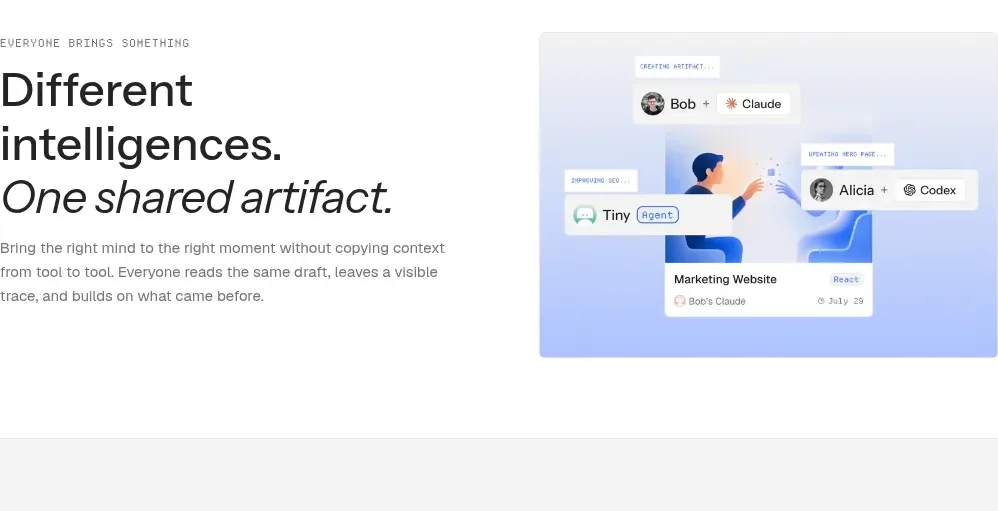 Shared artifact statement
AgentGrid.io · Feature grid
Shared artifact statement
AgentGrid.io · Feature grid
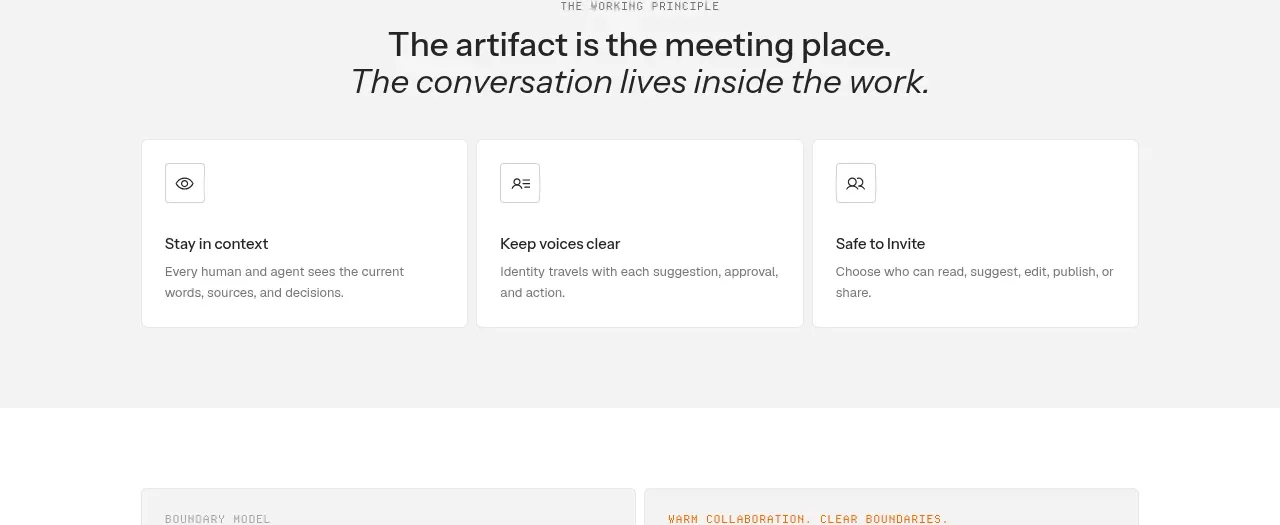 Working principles
AgentGrid.io · Feature grid
Working principles
AgentGrid.io · Feature grid
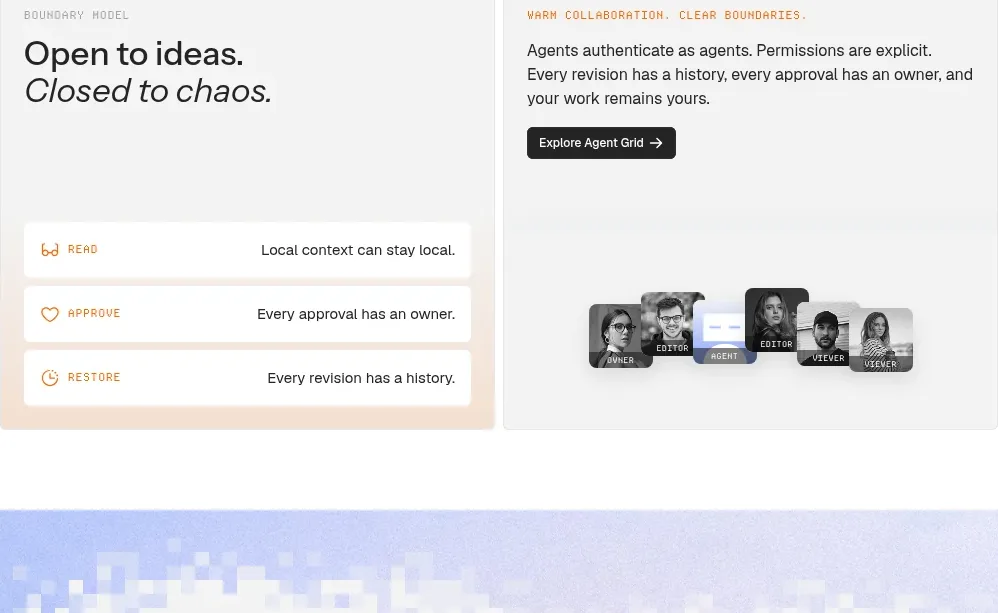 Boundaries and collaboration
AgentGrid.io · Feature grid
Boundaries and collaboration
AgentGrid.io · Feature grid
 Final signup call to action
AgentGrid.io · Call to action
Final signup call to action
AgentGrid.io · Call to action
 Site footer
AgentGrid.io · Footer
Site footer
AgentGrid.io · Footer